





Tips Index
Most video streaming websites do not offer download options for their videos. Firefox is an internet browser that does not offer a download option for videos like most browsers.
It is one of the best internet browsers you’ll find that is very useful in many ways. This site can indeed help users search for the things they need and like. But, this site has also limitations like some of the webpages you opened in the site don’t have a download button. Therefore, a third-party tool is recommended.
With VideoPower RED, you can download videos from different sites using Firefox as your web browser.
VideoPower RED, an amazing, hassle-free, trusted and has various professional features downloader application software is a best suited third-party tool for this kind of matter.
Check out this article to learn more and click the link below to download and install the app.
Method 1: Copy and Paste the video URL to Download
Step 1: Paste URL and download video
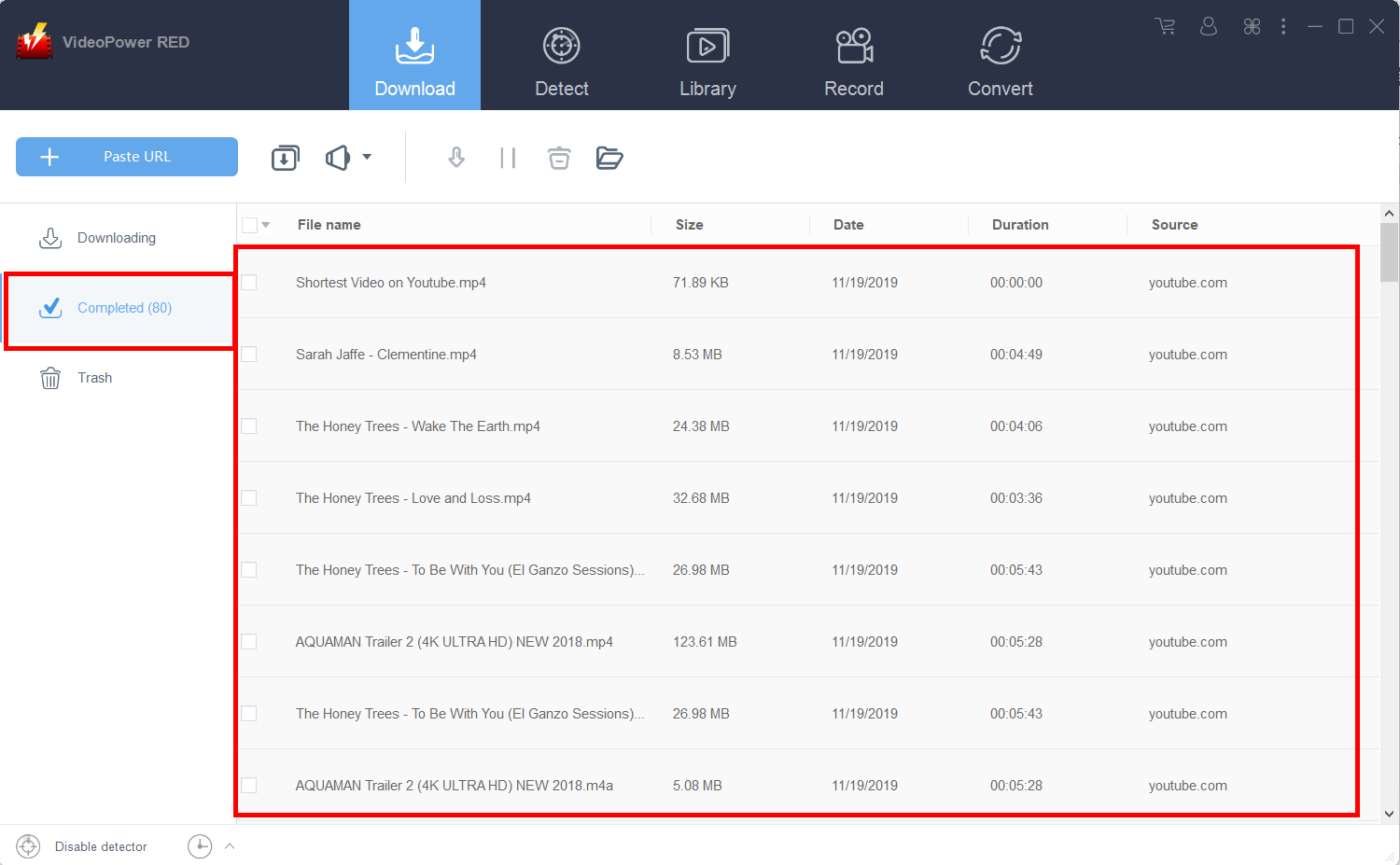
Copy the link of the video that you want to download and then paste it into the program by clicking the “Paste URL” button. After that, you will see the video is downloading in the download control panel.

Step 2: Check downloading and downloaded file
Wait for the download to finish, and then go to the “Completed” section to find the downloaded video.
Method 2: Record the Firefox video
Sometimes because of slow internet connection, downloading the video is not an option. You may opt to record the video through screen capture instead. The only downside to this is that the file recorded will have a larger size than when you download it.
Step 1: Record video
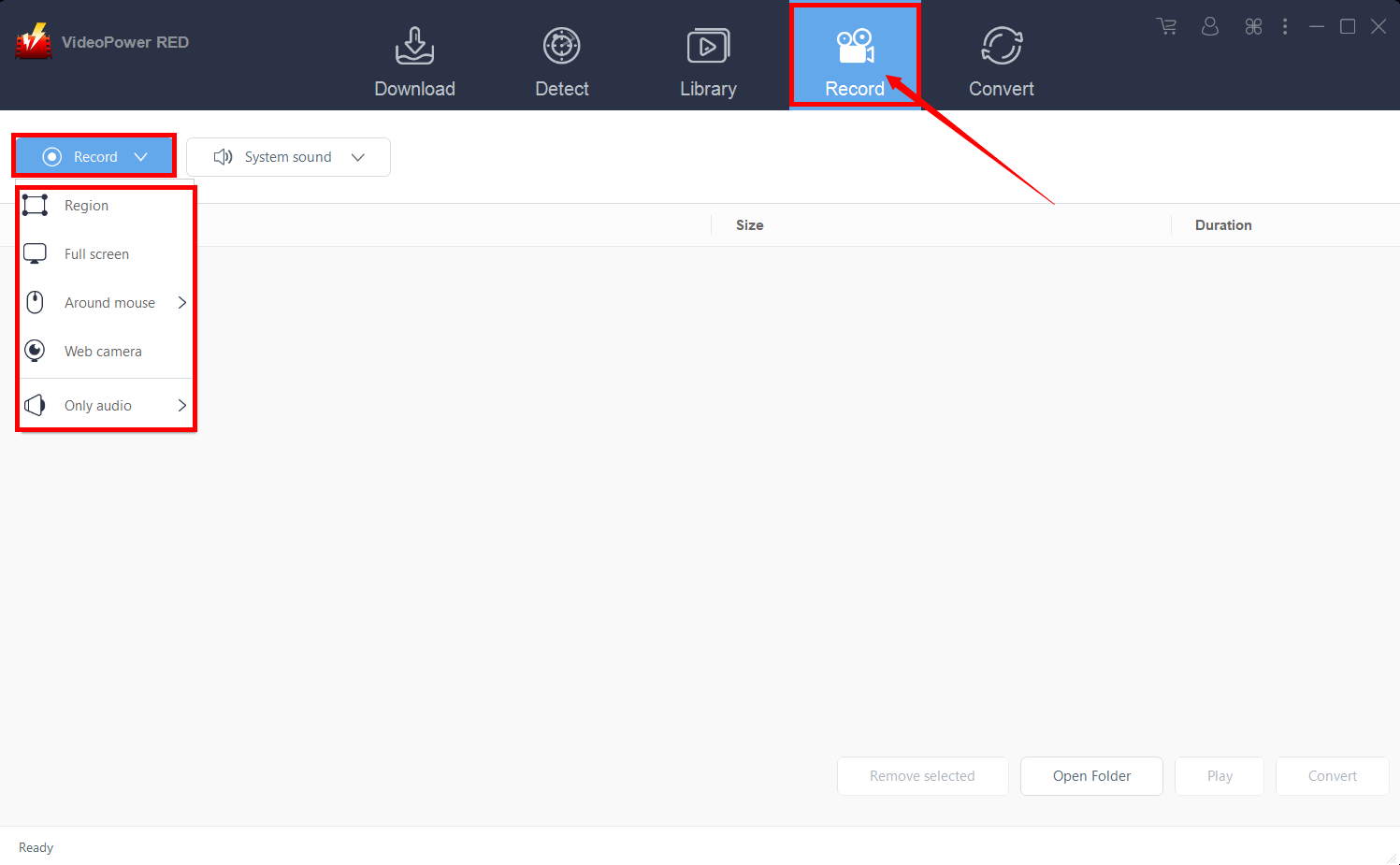
Click the “Record” tab to record the video and Select from “Region, Fullscreen, Around mouse or Web camera” as preferred.
Step 2: Check the recorded video
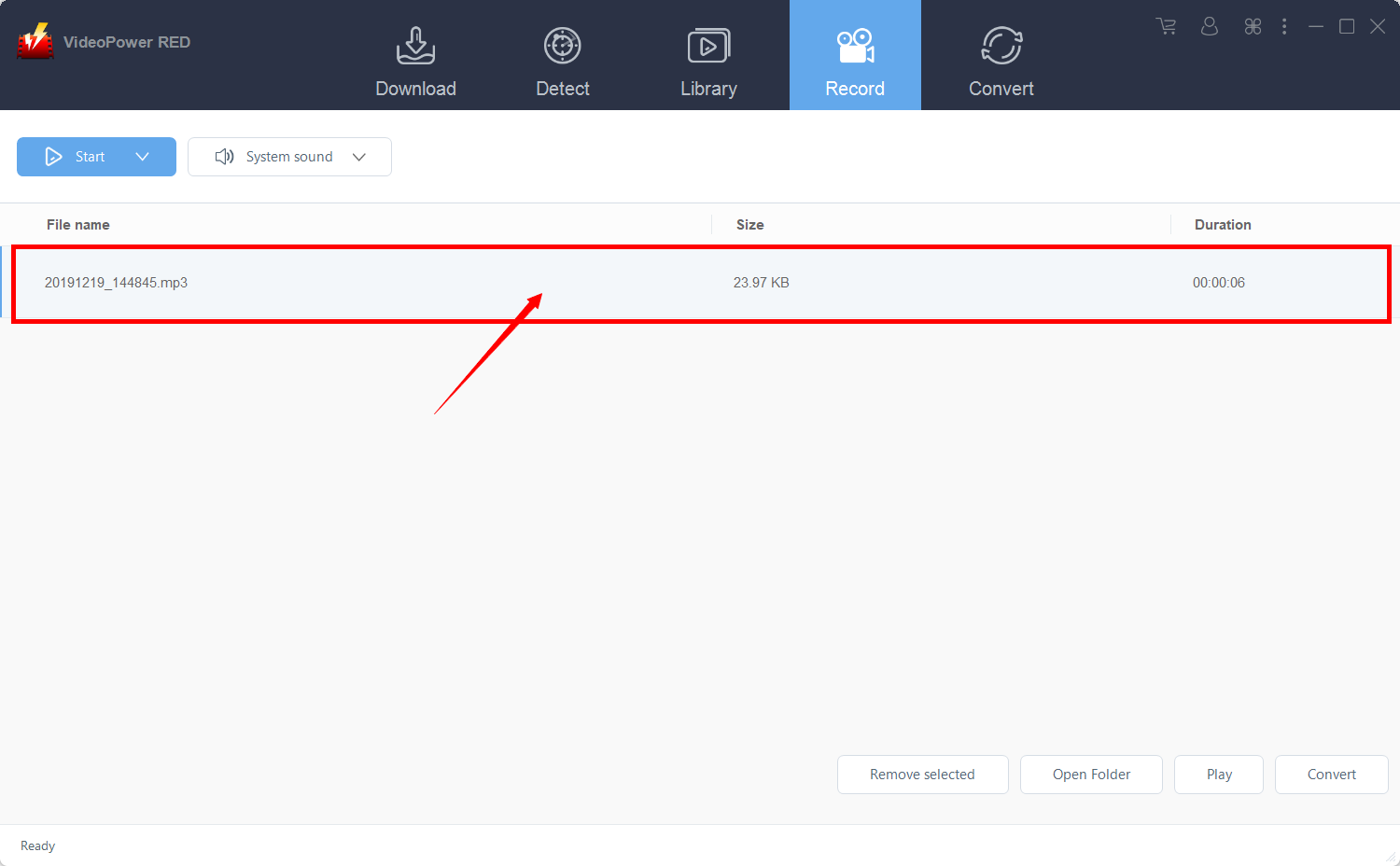
After recording, the recorded file can be seen in the record interface.
Method 3: Use External detector to Automatically Download
The last method is to use the external detector. This would allow you to download videos even if you are using an external browser – the software will automatically detect the video and it will be downloaded.
Step 1: Modify the settings
Click on the “Enable advanced detector(Support HTTPS)” under the “Download” tab.
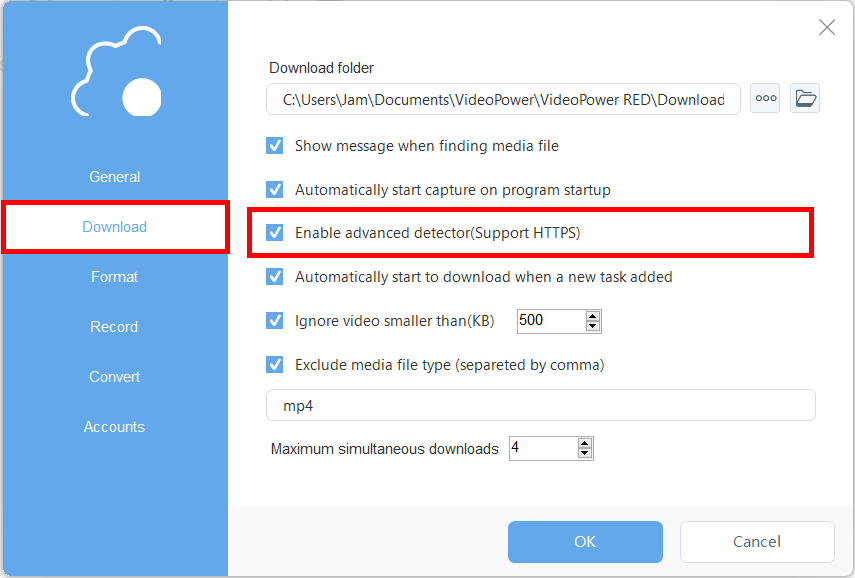
Make sure that the detector on the lower left is enabled.

Step 2: Download streaming video
After enabling the detector, you may now use the Firefox browser for finding videos to download. Play the video, and the software will automatically detect and download it.
Conclusion:
Internet browser like Firefox doesn’t have a download button for users to save their desired videos for offline and later viewing.
Thus a third-party tool like VideoPower RED, a hassle-free, trusted and has various professional downloader software would be possible for this kind of matter.


