





Tips Index
There is a lot of youtube downloader on the internet. Most of it is easy steps to download by just copying the URL then paste it on the text area and then press download. But there are many struggles before you get the video you like. One of them is showing 2-3 ads popping everywhere. Verify if the user is not a bot.
Sometimes when you downloaded 1-3 videos, you can’t download anymore because there is a limit per day. Sometimes the video has a watermark. And the video and audio are separated files. And many video downloaders struggles that kind of functionality. It may look easy because of simple steps, but there are some trials that make it slow to get the video you like.
Thankfully, we have the solution for your problem, introducing VideoPower RED, It is capable of downloading videos without ads, without bot-verify, and no download limit. And it can also download multiple videos at a time and saves it into an MP4 file format that allows you to watch in high-quality resolution offline.
It can also download tons of videos in different kinds of video sharing sites like Facebook, Twitter, Dailymotion, VEVO, TED, Vimeo, Etc. Just click the link below to download this free app and follow through the simple steps on How to download videos from YouTube.
You can try to use the software for free by downloading its trial version below.
Method 1: Copy and Paste
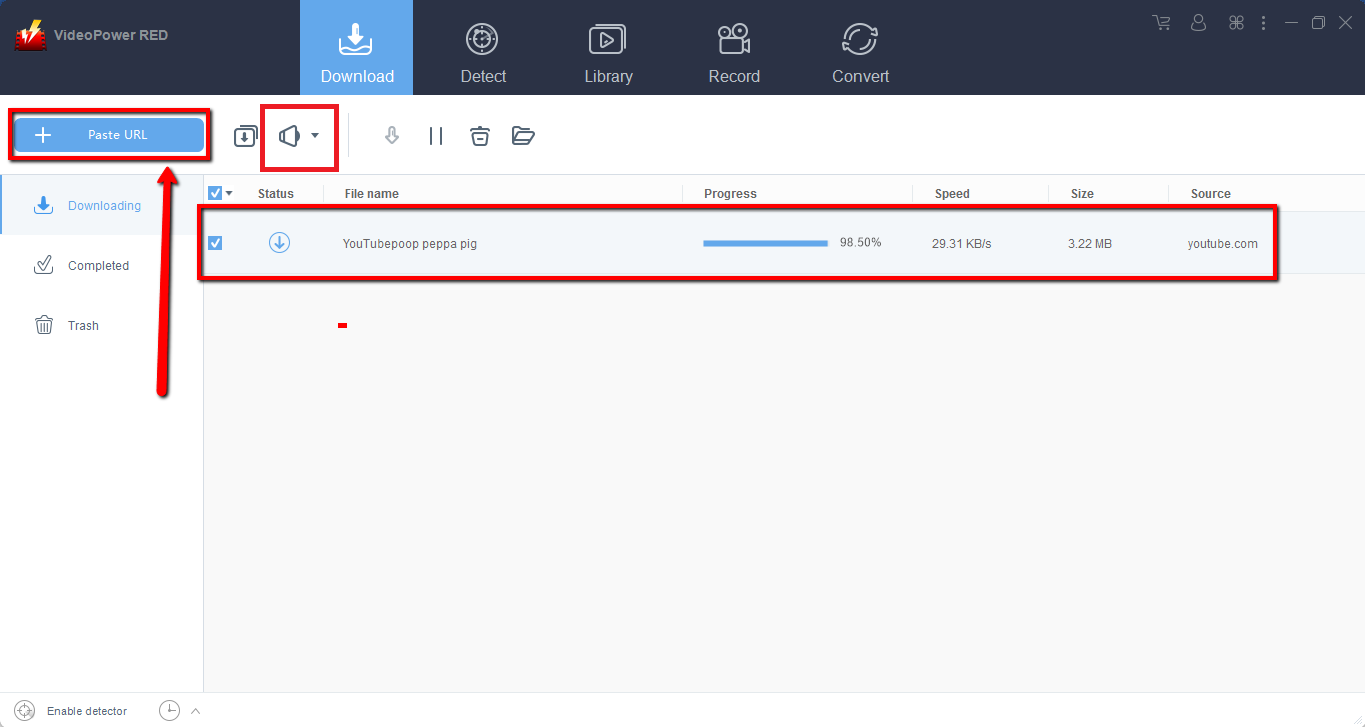
Step 1: Paste URL and download video
Copy the link of the video that you want to download from your browser and then paste it into the program by clicking the “Paste URL” button. After that, you will see the video is downloading in the download section.
Step 2: Check the downloaded file
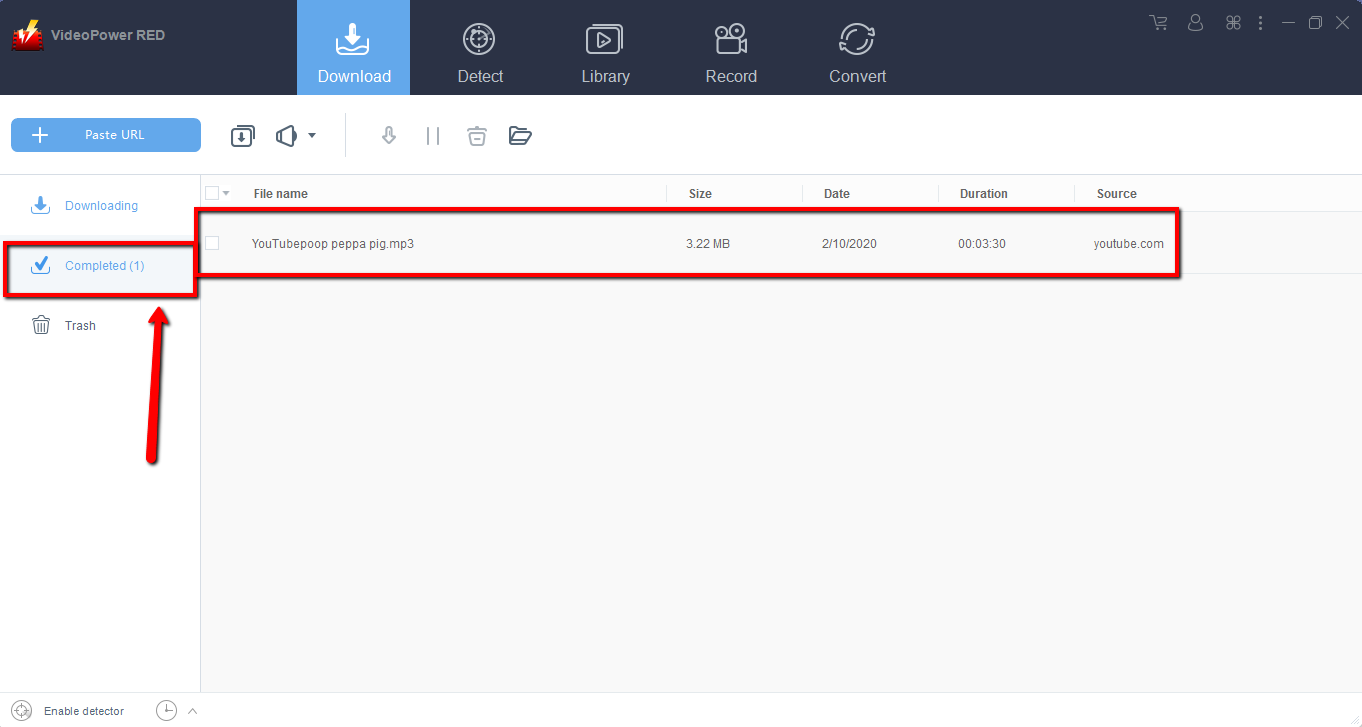
Wait for the download to finish, and then go to the “Completed” section to find the downloaded video.
Method 2: Use the Embedded Browser
Open the video page via an embedded browser.
If the program supports the site, the video will be downloaded by clicking the download button below.

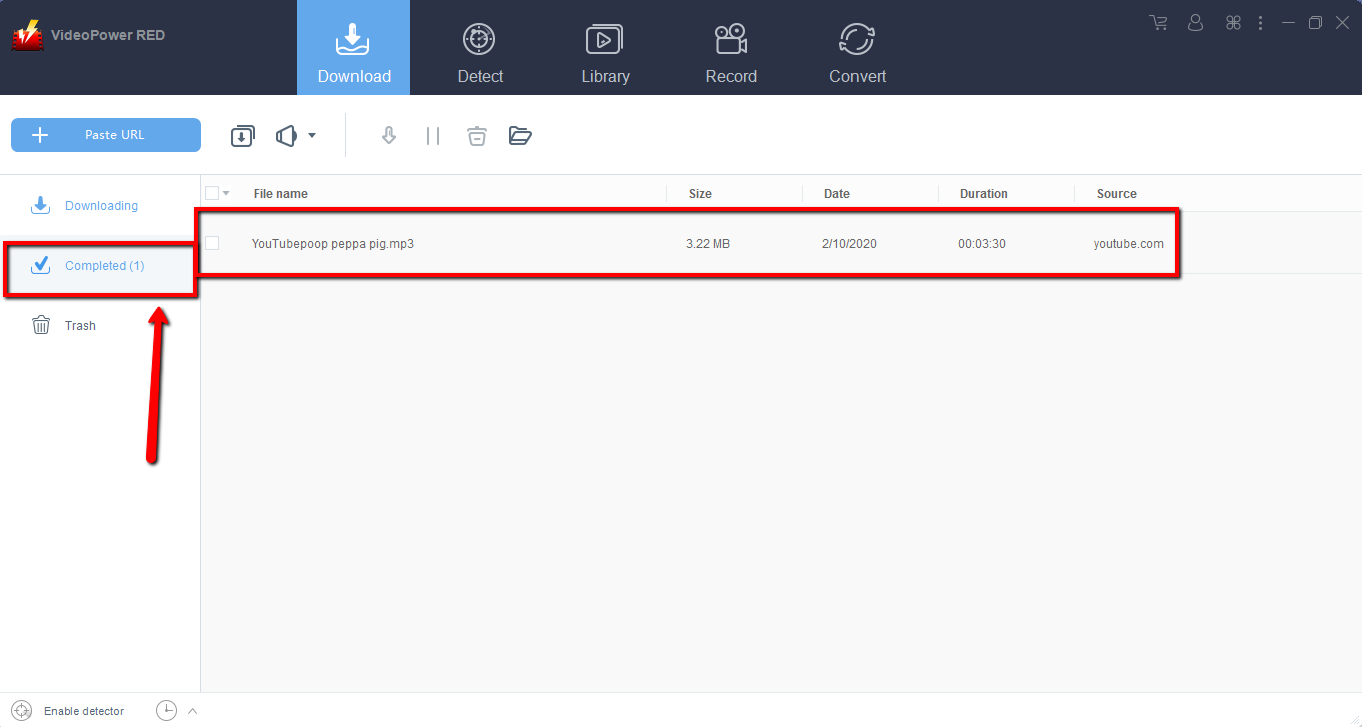
Wait for the download to finish, and then go to the “Completed” section to find the downloaded video.
Method 3: Record video
Sometimes because of the web update or slow internet connection, the program can’t download the video anymore but you can still save the video by using the recording function.
Step 1: Record video
Click the “Record” tab to record the video and Select from “Region, Fullscreen, around mouse or Web camera” as preferred.

Step 2: Check the recorded video.
After recording, the recorded file can be seen in the record interface.

Conclusion:
VideoPower RED is one of the most powerful and astonishing apps that can download dozens of thousands of videos in just one click. It has the ability to download videos in High Definition and faster downloading speed results.
With VideoPower RED, downloading videos on different video sharing sites like Tumblr, Facebook, Vimeo, Vevo, Dailymotion, Twitch, YouTube, etc. is a piece of cake. Download now the free app. And enjoy downloading videos in HD.


