





Tips Index
One of humanity’s greatest inventions is the miracle of human flight. Nowadays, people sometimes take for granted the comfort and convenience of traveling by air. Louis CK, one of the most prominent comedians in the world poked fun at this fact by emphasizing how much people complain when a flight is delayed with this line: “You’re in a chair in the sky!”
For many people, flying is the most common form of travel – and also the quickest. Flying can be pretty uncomfortable though, especially for people who are easily distracted by their surroundings. Snoring people, crying babies, and people who are rude and stressed out by flying (yes, there is an abundance of those people) can turn a person’s flight experience sour. That’s why it’s suggested that you download a movie on your device and carry it on your flight to let time pass.
Most airplanes nowadays have a WiFi connection. But in the case that you’re in one without a connection and you want to distract yourself from the stress of the environment, this is the article for you. Using a powerful third-party software like VideoPower RED, you can watch movies on a plane without WiFi. VideoPower RED has a lot of features and functions but we’re going to focus on the download features of this product – there are four methods to download your favorite movies using this software.
To install the software, just click the link below and download for free.
Method 1: Copy and Paste the URL
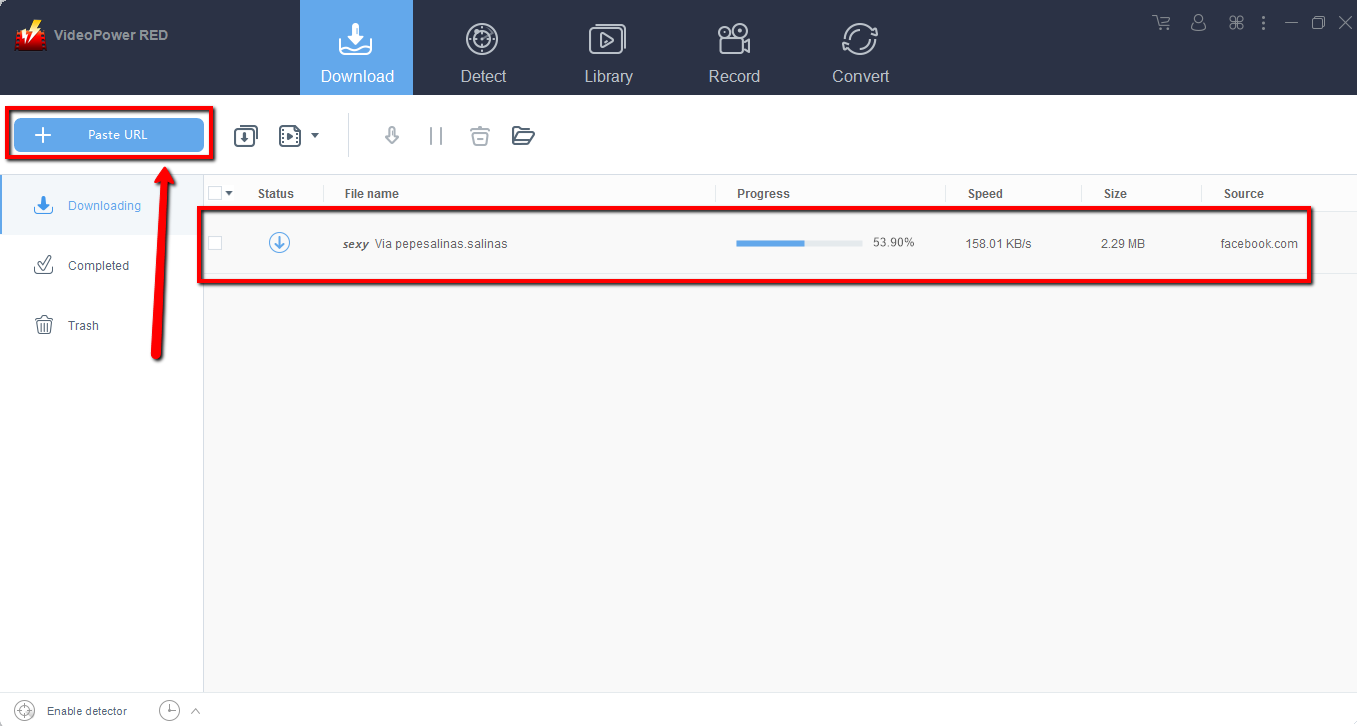
Step 1: Paste the URL to download the video.
Copy the link of the video that you want to download and then paste it into the program by clicking the “+ Paste URL” button. After that, you will see the video is downloading.
Step 2: Check the downloaded file
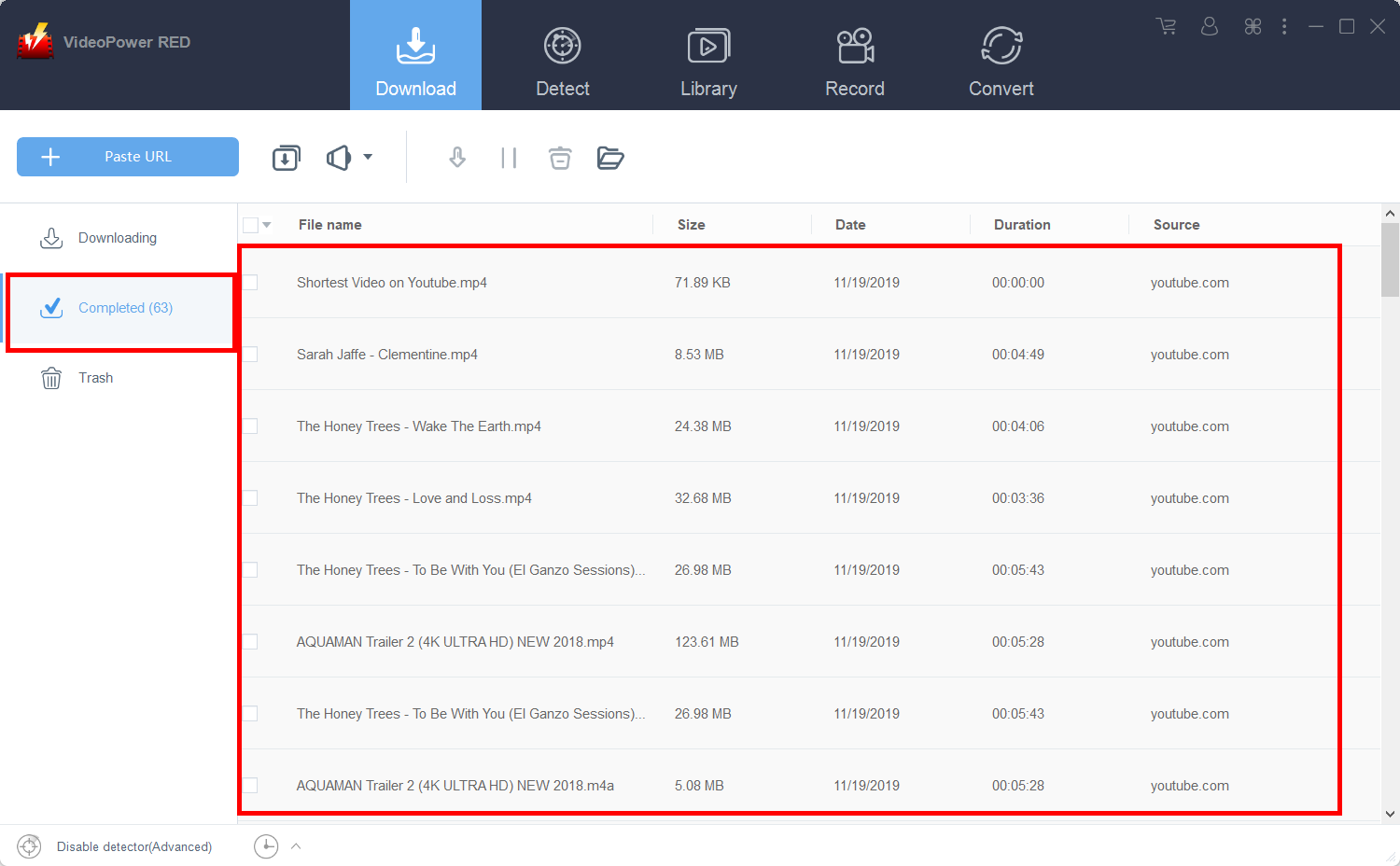
Wait for the download to finish, and then go to the “Completed” section to find the downloaded video.
Method 2: Use the Embedded Browser
Step 1: Open the embedded browser
Open the page via an embedded browser
If the program supports the site, the video will be downloaded automatically.

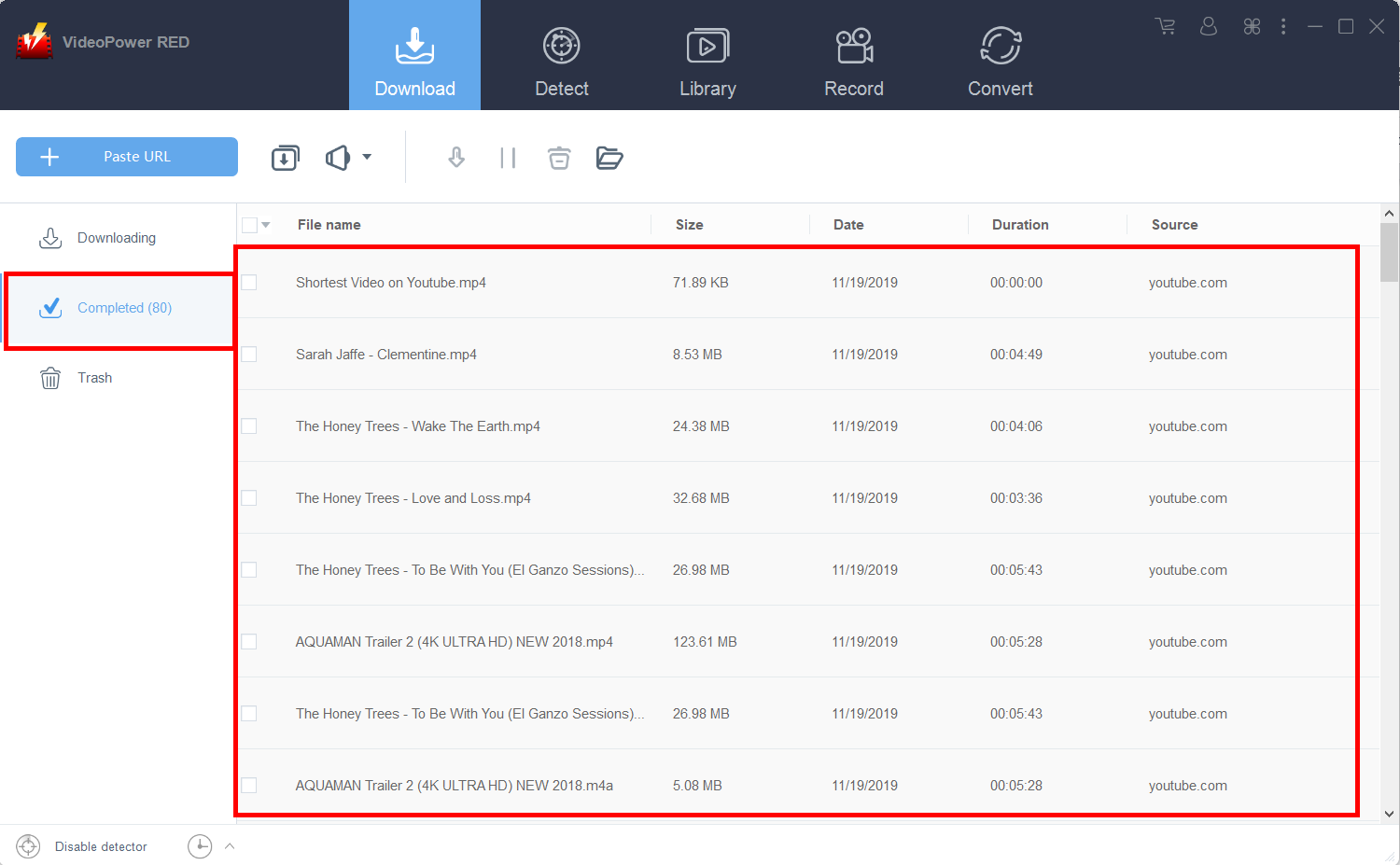
Step 2: Open Completed Tab
Wait for the download to finish, and then go to the “Completed” tab to find the downloaded video.
Method 3: Record the video
For people in areas with a slow internet connection, you may opt to use the record function instead. However, you will have to watch the entire movie first to do this.
Step 1: Record video
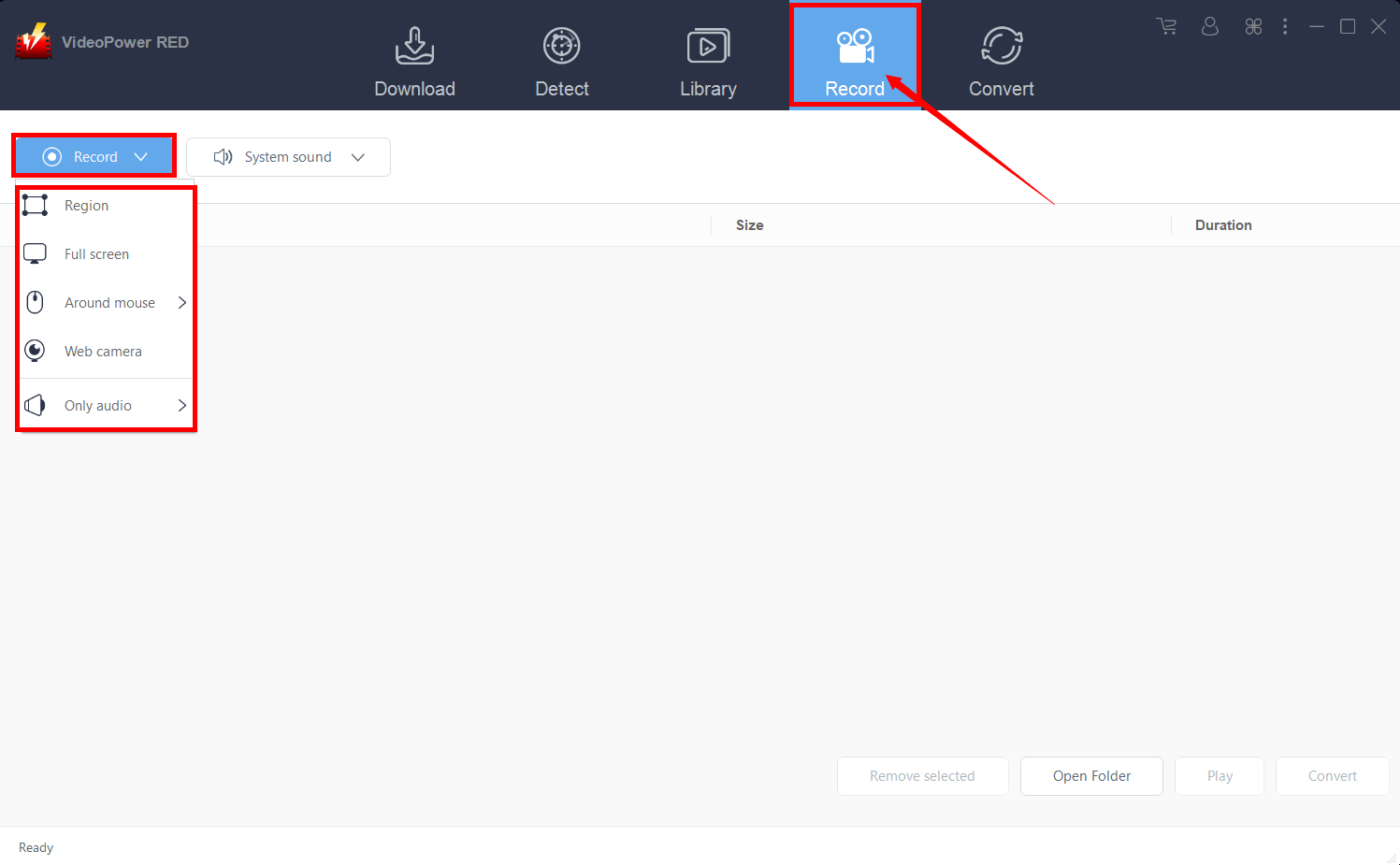
Click the “Record” tab to record the video and Select from “Region, Fullscreen, Around mouse or Web camera” as preferred.
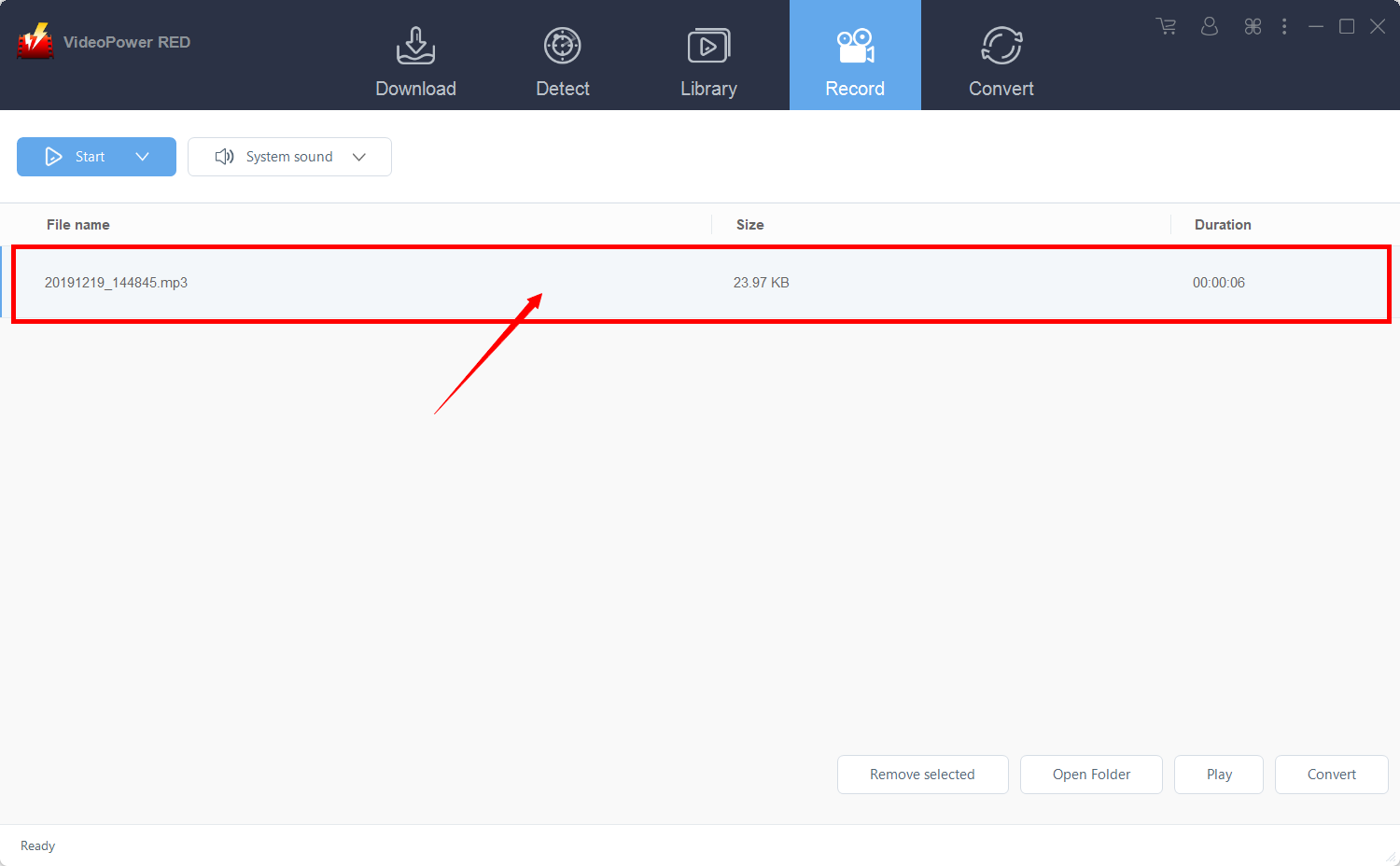
Step 2: Check the recorded file
After recording, the recorded file can be seen in the record interface.
Conclusion:
Because long cross country flights are both tiring and uncomfortable for some people, watching movies on a plane is the best way to distract themselves and allow time to pass by quicker. However, in the event that you are in a plane without a solid WiFi connection, this article will help you solve that problem. Watching movies on a plan without a WiFi connection is the best way to help you pass the time and note get distracted by the noise from the environment.
VideoPower RED is definitely perfect for you. It’s a fast and flexible downloader with a built-in video editor that will enable you to merge multiple videos into one single file. This software will allow you to edit slideshows or videos, apply watermarks, effects, and other basic video editing options such as trimming or cropping.
Moreover, it has a split-screen tool for your photos and videos and a screen recorder which allows you to capture any on-screen activity on your computer.


