





Tips Index
“I want to save a video that I watched on Facebook. But there aren’t any buttons or links to download it. Please help!”
Facebook is a very popular social networking service website in America. You can use it to interact with friends, colleagues, classmates, and people around you, share videos, pictures, links, posts to others.
Many interesting videos have been uploaded to Facebook every day. I believe if you are a Facebook fan, you must be looking for a way of downloading Facebook videos to your computer for future playback.
Unfortunately, Facebook does not officially provide links to videos for you to download.
Here is the good news, this article will show you how to save videos from Facebook to your computer without any hassle.
You just need to free download below VideoPower RED and follow the simple guide.
Method 1: Copy and paste the URL to download Facebook videos
Step 1: Paste URL
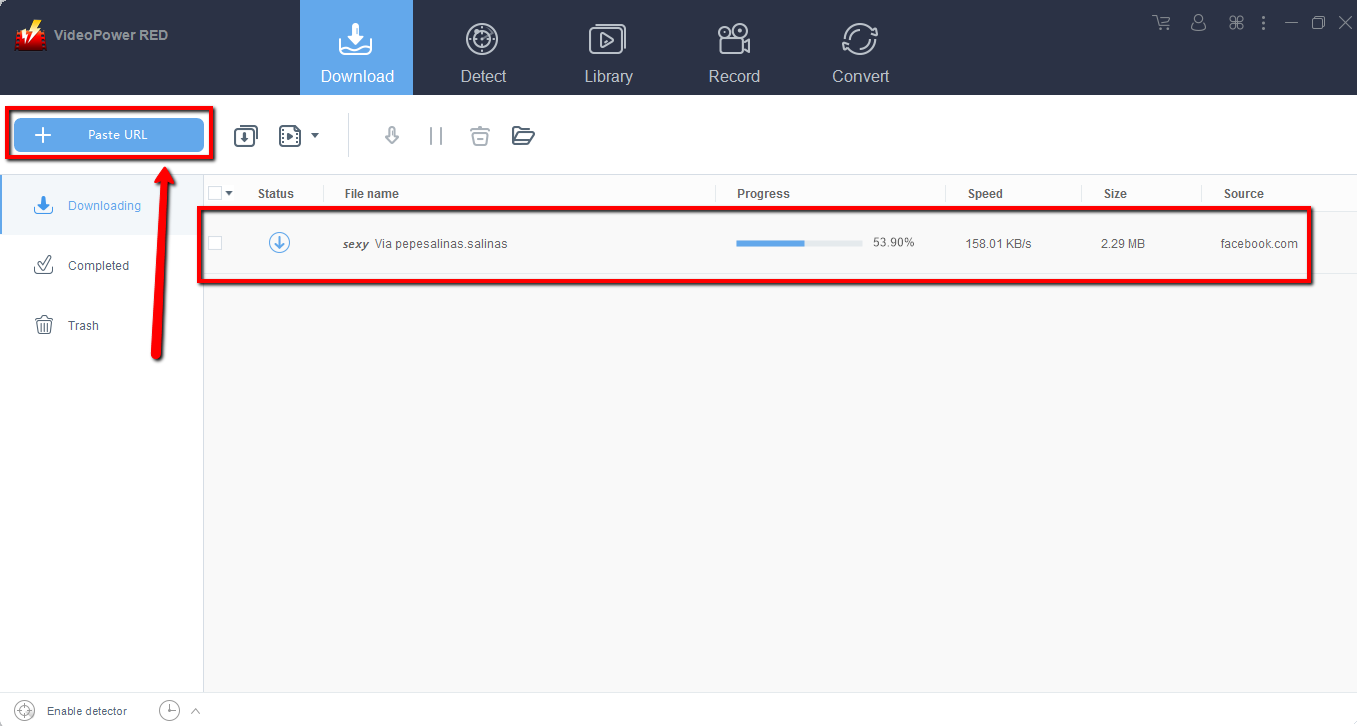
Copy the link to download the Facebook video and then paste it into the program by clicking the “Paste URL” button. After that, you will see the video is downloading in the download control panel.
Step 2: Check the downloaded Facebook video file
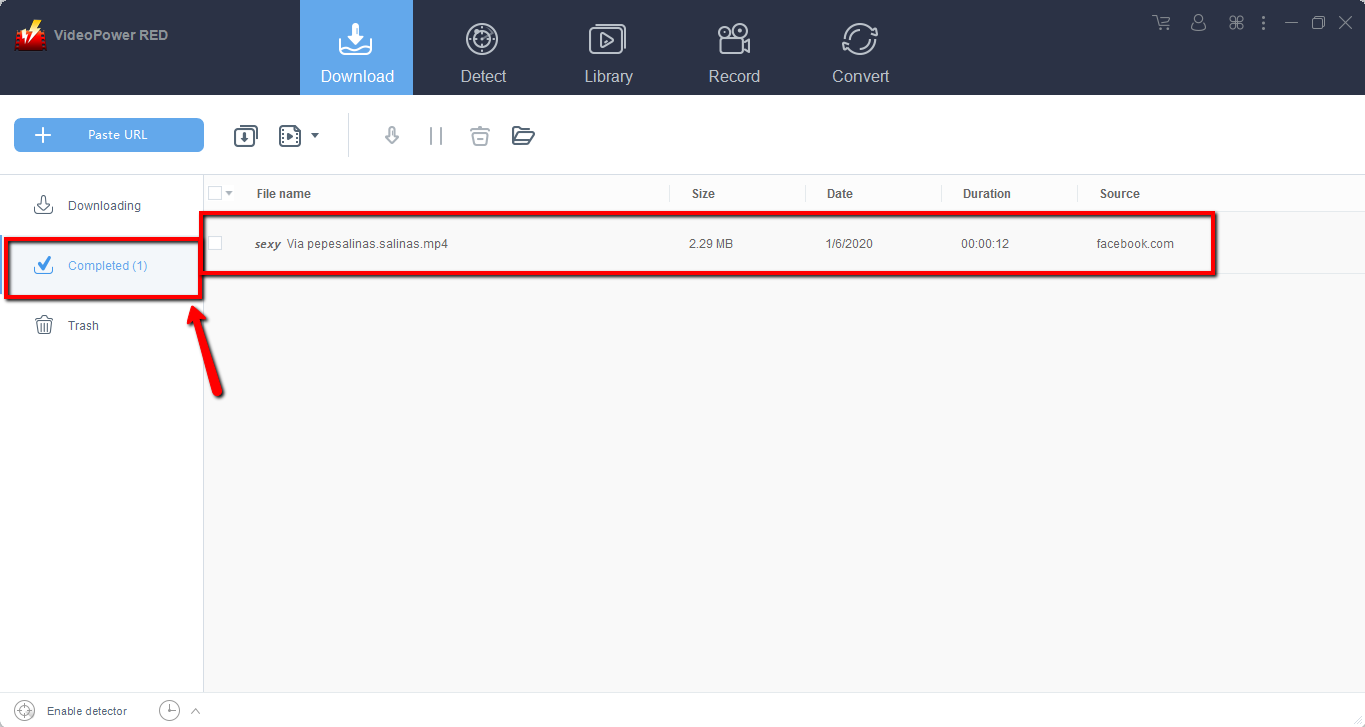
Wait for the download to finish, and then go to the “Completed” section to find the downloaded video
Method 2: Use the embedded browser to download Facebook video
Step 1: Open the video page via an embedded browser
If the program supports the site, downloading Facebook videos can be done automatically.

Step 2: Check the downloaded instagram video file
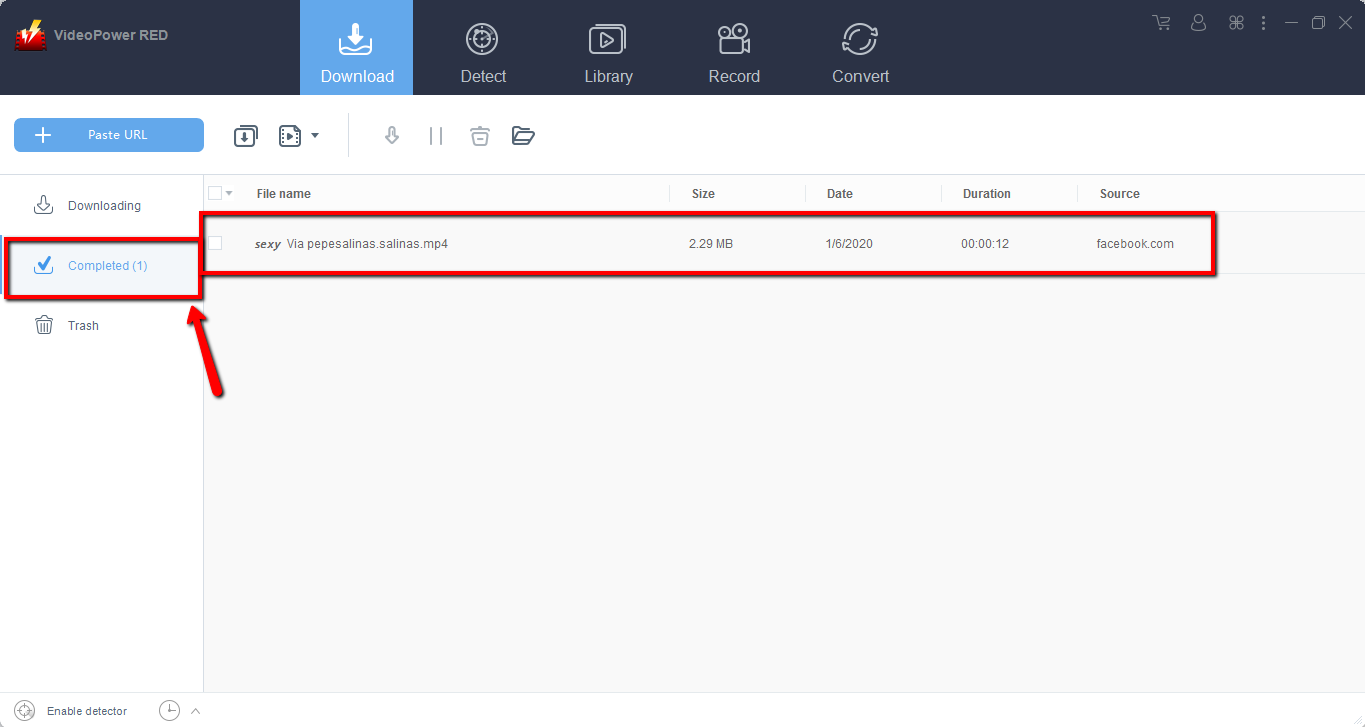
Wait for the download to finish, and then go to the “Completed” section to find the downloaded facebook video.
Method 3: Record Facebook video
Sometimes because of the web update or slow internet connection, the program can’t download the Facebook video anymore but you can still save the video by using the recording function.
Step 1: Record video.
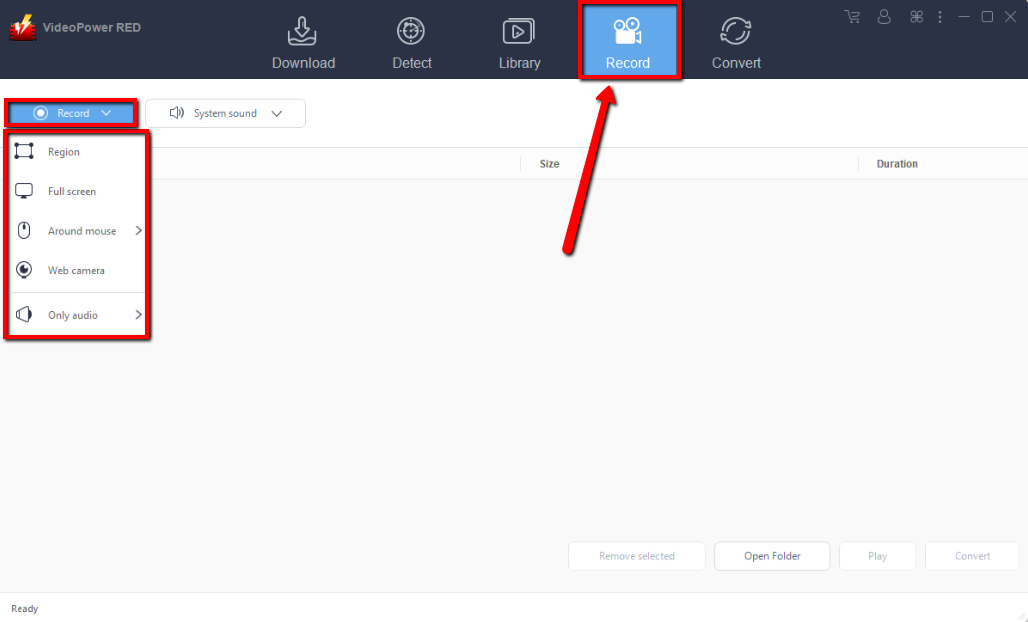
Click the “Record” tab to record the video and Select from “Region, Fullscreen, around mouse or Web camera” as preferred.
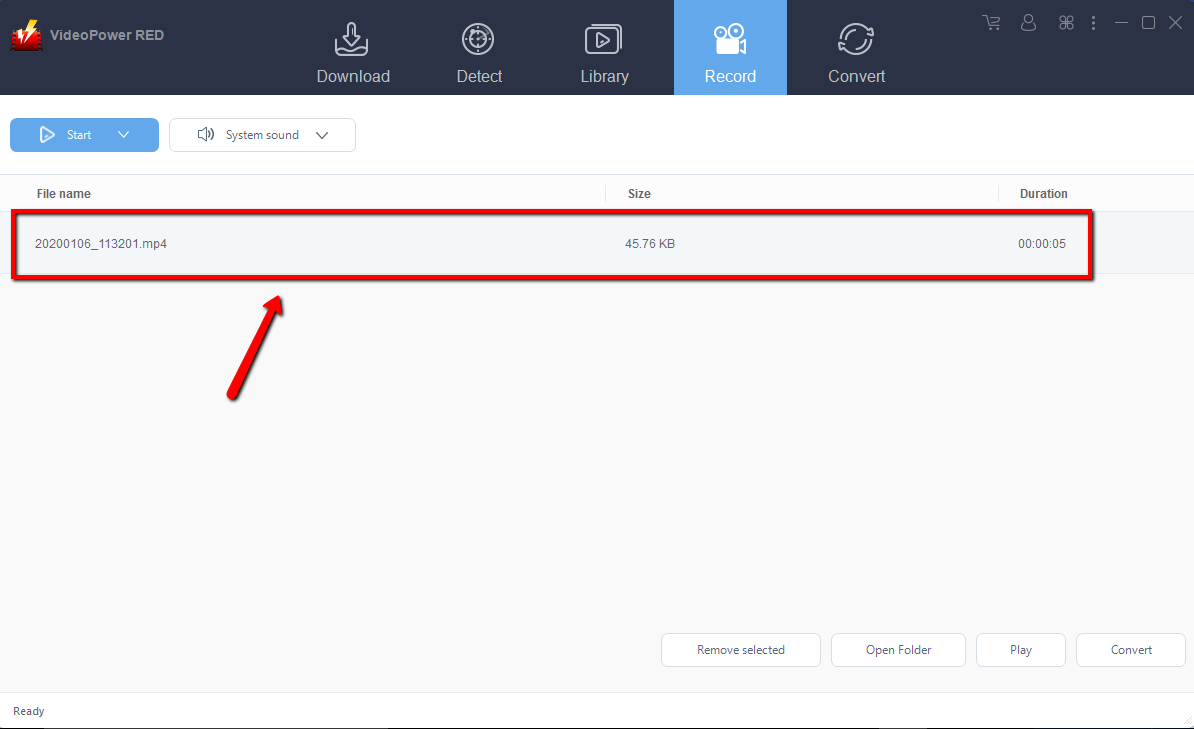
Step 2: Check the recorded Facebook video
After recording, the recorded file can be seen in the record interface
Conclusion:
Using a device that cannot serve most of the things you want, especially downloading videos from Facebook is a bit disheartening. To enjoy video and audio files you desired, a third-party tool is needed.
There is VideoPower RED, an amazing, hassle-free, trusted and has various useful professional features application software is best suited in downloading and converting Facebook videos to PC.


