





Tips Index
Vimeo is one of the best video sharing sites in the world and there are tons of awesome videos shared and can be found there allowing all the viewers to watch the video platform focused without any advertisement unlike YouTube, Facebook, and any other video sharing sites.
It is a great opportunity for all the artists, content creators and filmmakers to showcase their talent and to get well known because of the big chance of getting more views in Vimeo. The majority of the 14 million members use it to promote their skills as an artist or filmmaker.
Whatever the reason is, if you’re a Vimeo user you’ll understand that downloading videos such as documentary or any type of vlogs or content, it would be great to be able to download and watch them offline.
In order to edit the videos, or repost them on other social media sites and include them in your compilation, or just make sure you can watch them again at any time you want, you need to save them to your device.
But, as other video websites, Vimeo doesn’t allow you to download hosted video clips but don’t lose hope, it’s still possible to do it with the right Video Downloader and lucky for you, you’ve found the best Vimeo downloader called VideoPower RED.
It is a versatile software that is capable of downloading videos including Vimeo and other videos from other video sharing sites like YouTube, Twitter, Facebook, Dailymotion, and etc.
Just click now the link below to download this free app and Follow through the steps on how to Download Videos from Vimeo.
Method 1: Copy and paste the URL to download Vimeo videos
Copy the link of the video that you want to download and then paste it into the program by clicking the “Paste URL” button. After that, you will see that the video is downloading in the download control panel.
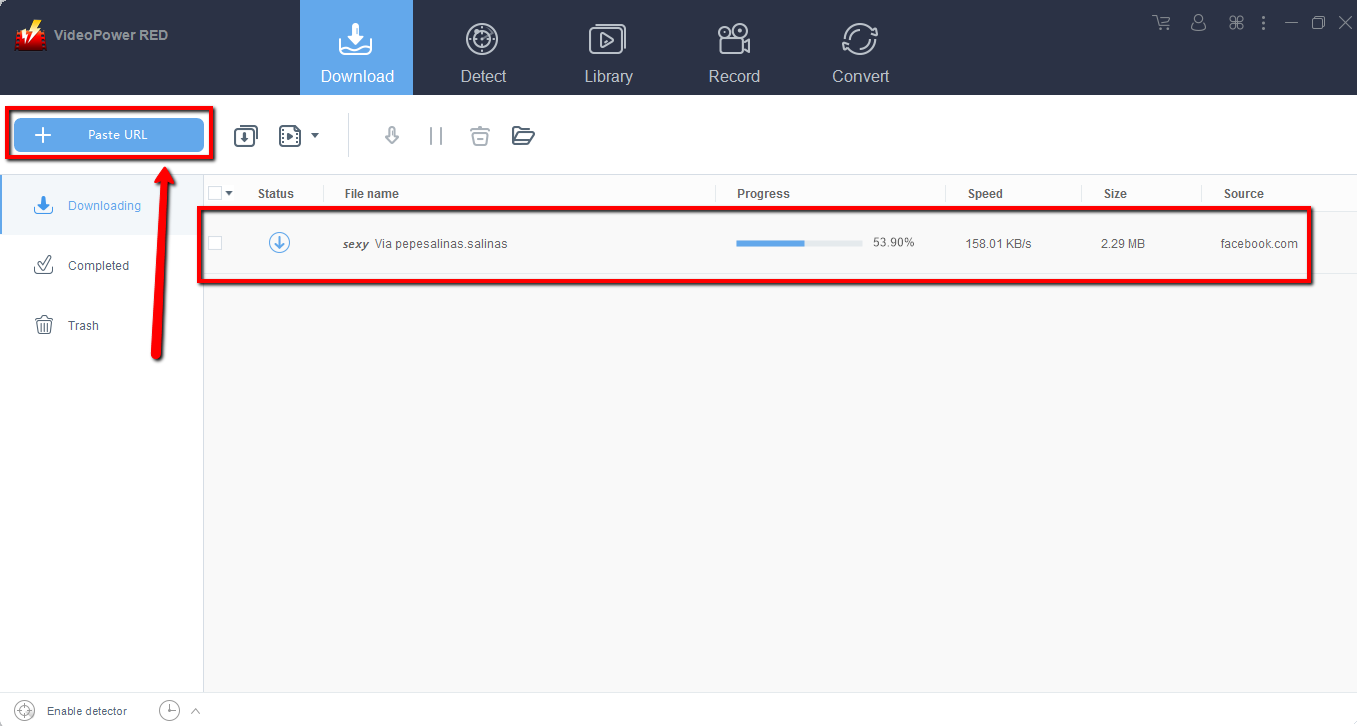
Wait for the download to finish, and then go to the “Completed” section to find the downloaded video.
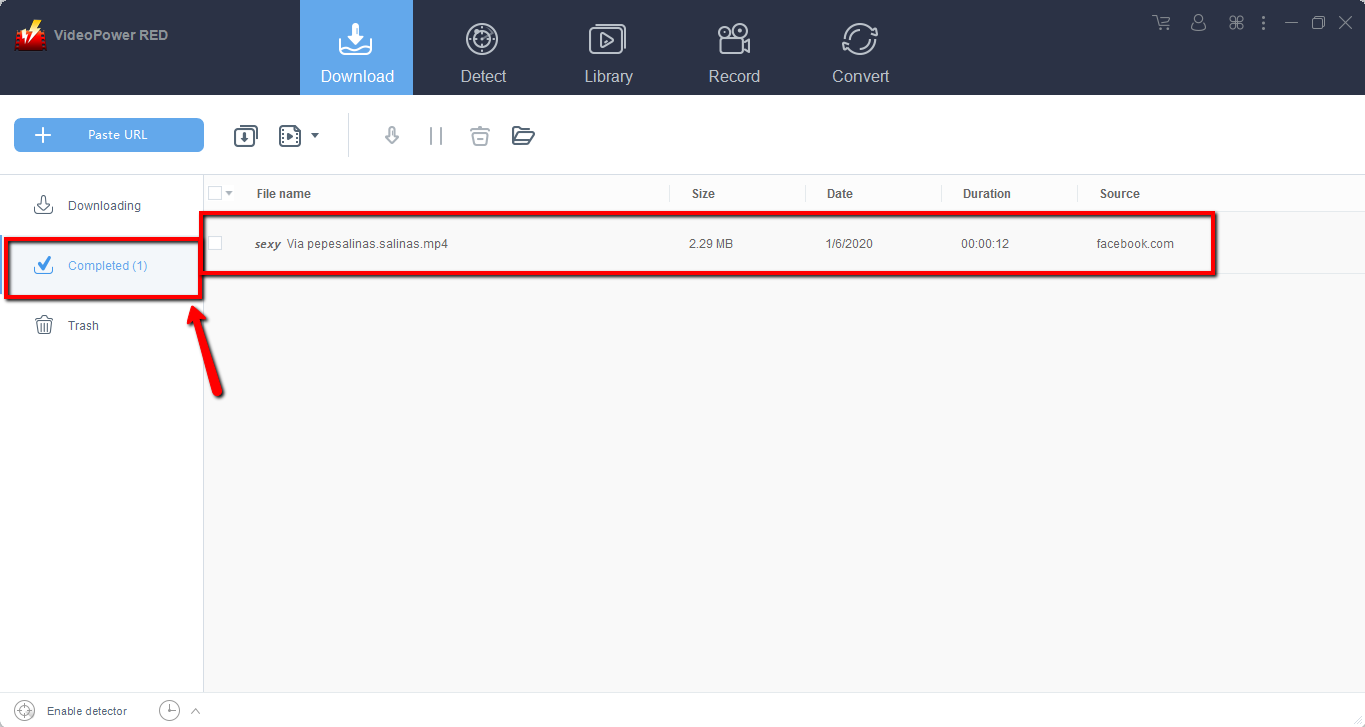
Method 2: Use the Embedded Browser
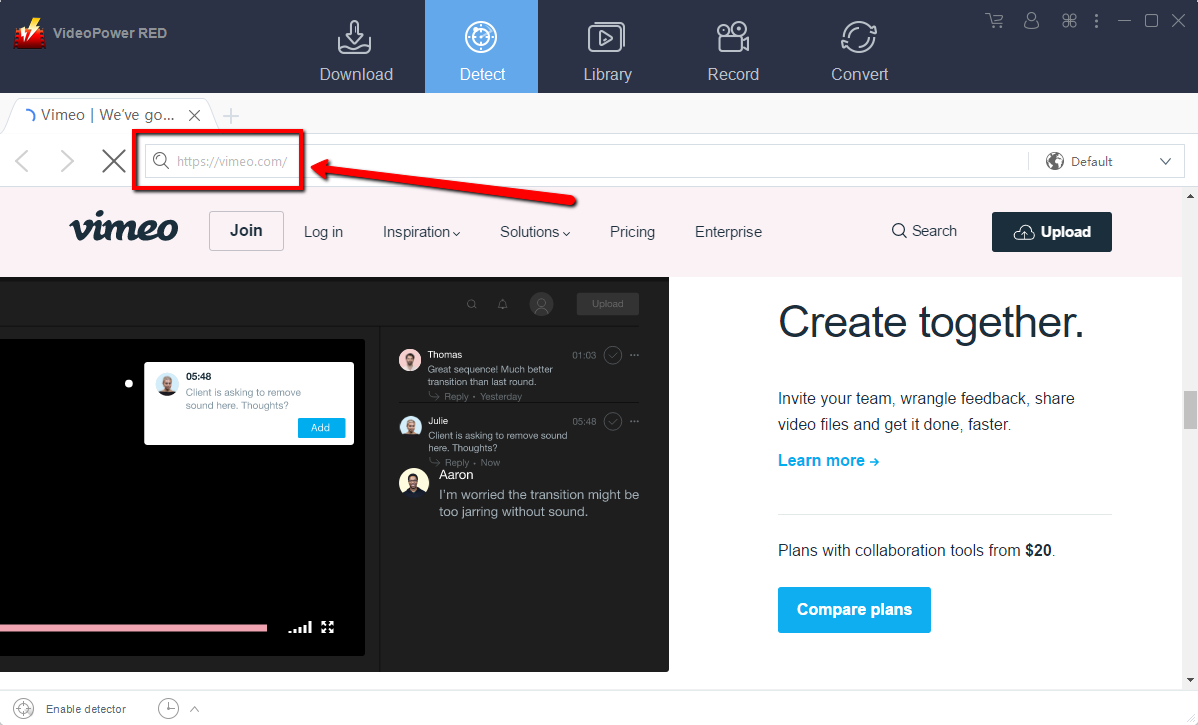
Open the Vimeo video page via an embedded browser. Then the video will be downloaded automatically.
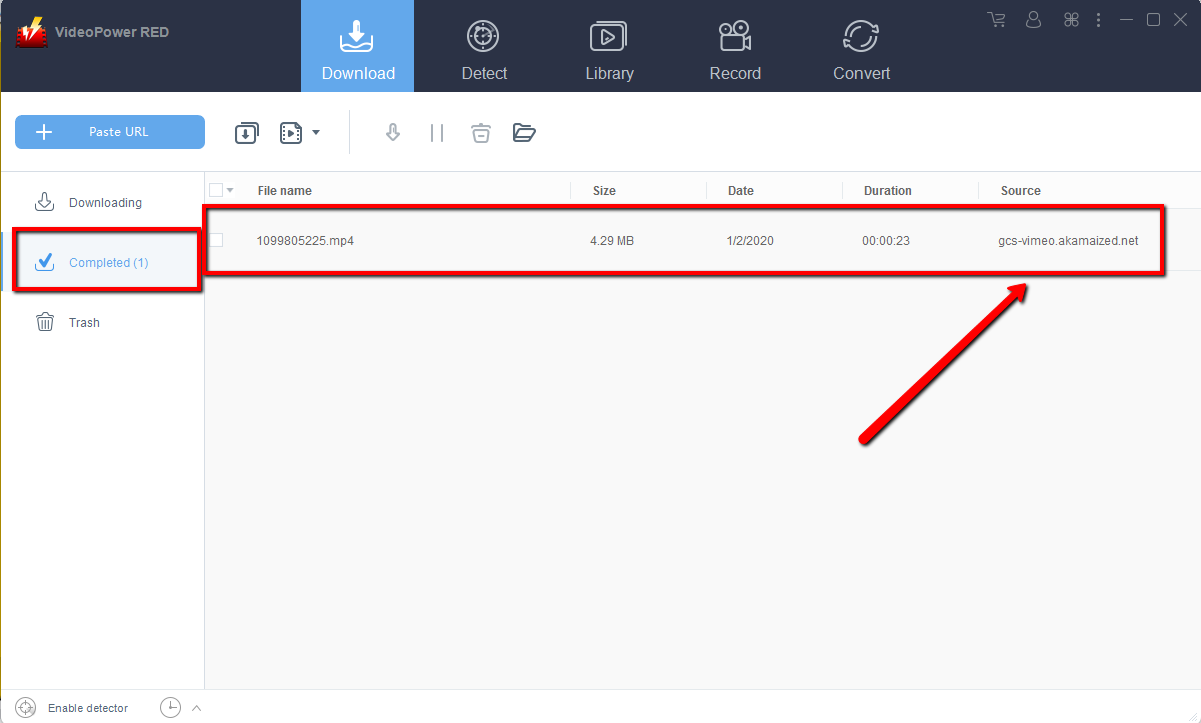
Wait for the download to finish, and then go to the “Completed” section to find the downloaded video.
Method 3: Record Vimeo video
Sometimes because of the web update or slow internet connection, the program can’t download the video anymore but you can still save the Vimeo video by using the recording function.
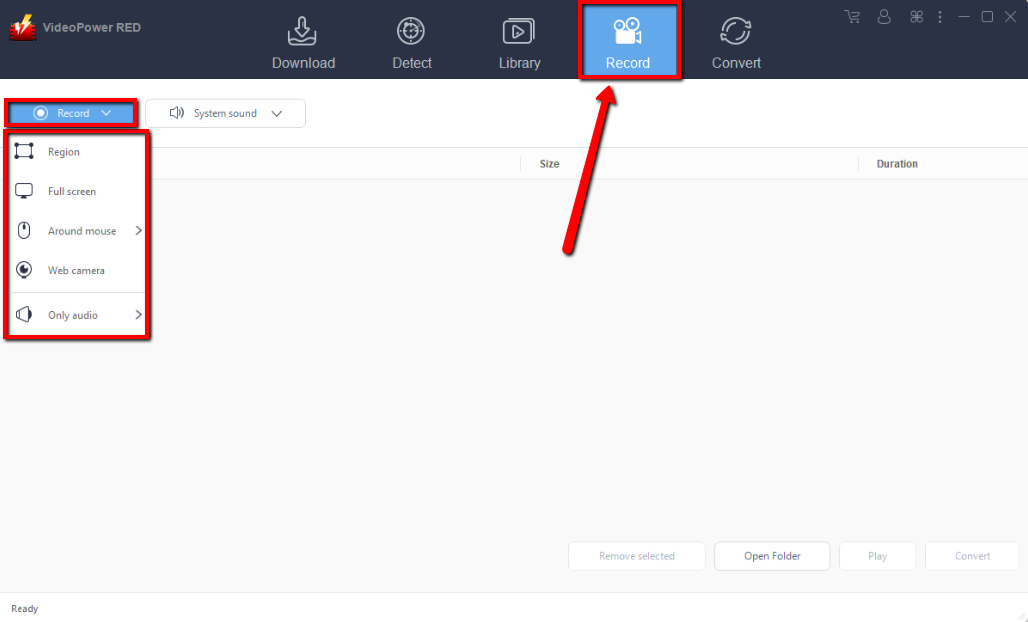
Step 1: Record video
Click the “Record” tab to record the video and Select from “Region, Fullscreen, Around mouse or Web camera” as preferred.
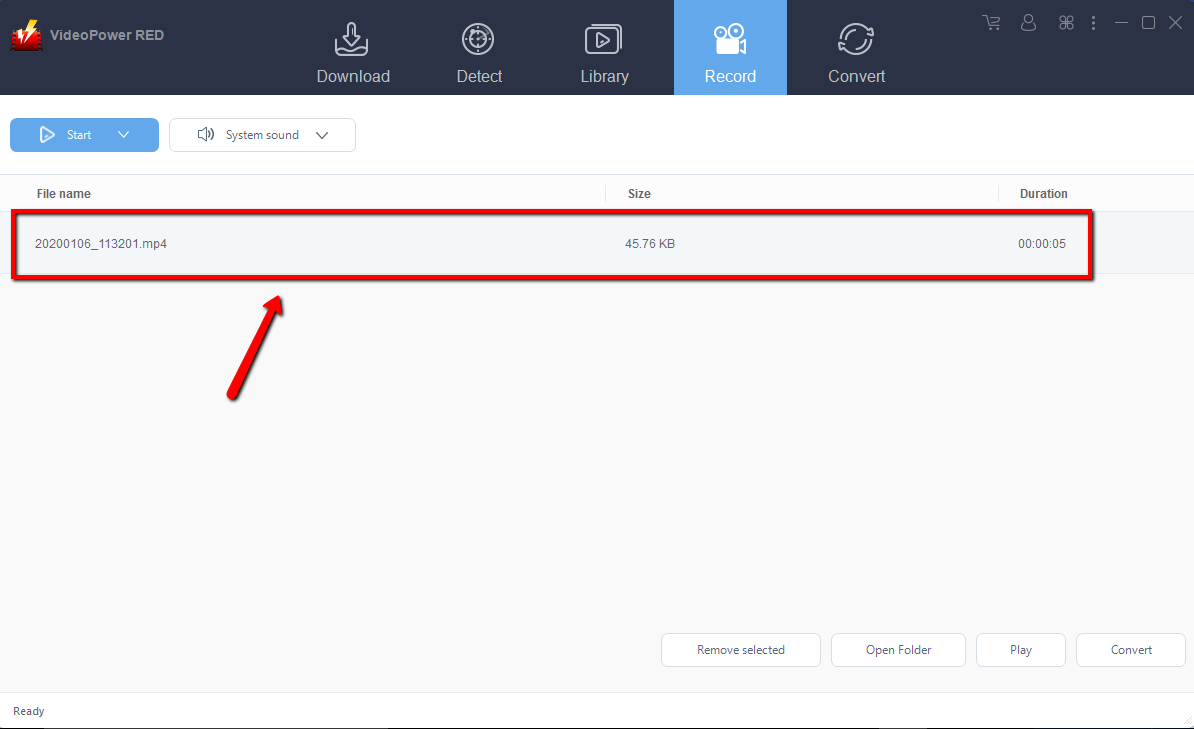
Step 2: Check the recorded video.
After recording, the recorded file can be seen in the record interface.
Conclusion:
VideoPower RED is one of the most powerful video downloaders out there. With its video downloading capabilities, you can download tons of videos in different video sharing sites like Vimeo, YouTube, Twitter, Facebook, and etc., and not just download videos, it can also convert, record and even download audios.
When you have VideoPower RED, it’s just a piece of cake for you to get any video that you want. So what are you waiting for? Download it now!


