





Tips Index
The Graphic Interchange Format or commonly known as GIF is a bitmap image format. It is an image file format that is commonly used for images on the web and sprites in the software program that uses 89a format. It is a type of image extension that doesn’t stay still as there are multiple frames of short movements encoded into one single image that makes it looks like a video.
GIFs are mostly edited clips from movies, videos, shows and etc. that show humorous facial expressions or acts that are fun to watch. These files are used for some related purposes by most of the digital users especially young ones.
Even though GIFs are already fun to watch by itself, users still wanted to make it more fun and creative most especially in today’s generation where online applications developed rapidly that make everything possible. Therefore, users thought of combining two or more GIFs to make it as one new file. However, to make it possible, a third-party tool would be recommended.
VideoPower BLUE, an amazing, hassle-free, and trusted converter application software is best suited to answer the question of most users on how to combine GIFs into one file. To merge GIFs into one image file, it needs a tool that offers a split-screen computer graphic display screen that helps combines two or more files easier and VPB is the right tool for it. In addition, with its various useful features, GIFs cannot only be combined but can also be modified and improved.
Try to use the product for free. Just click the link below to download and install the app.
Step 1: Download and install VideoPower BLUE on your PC
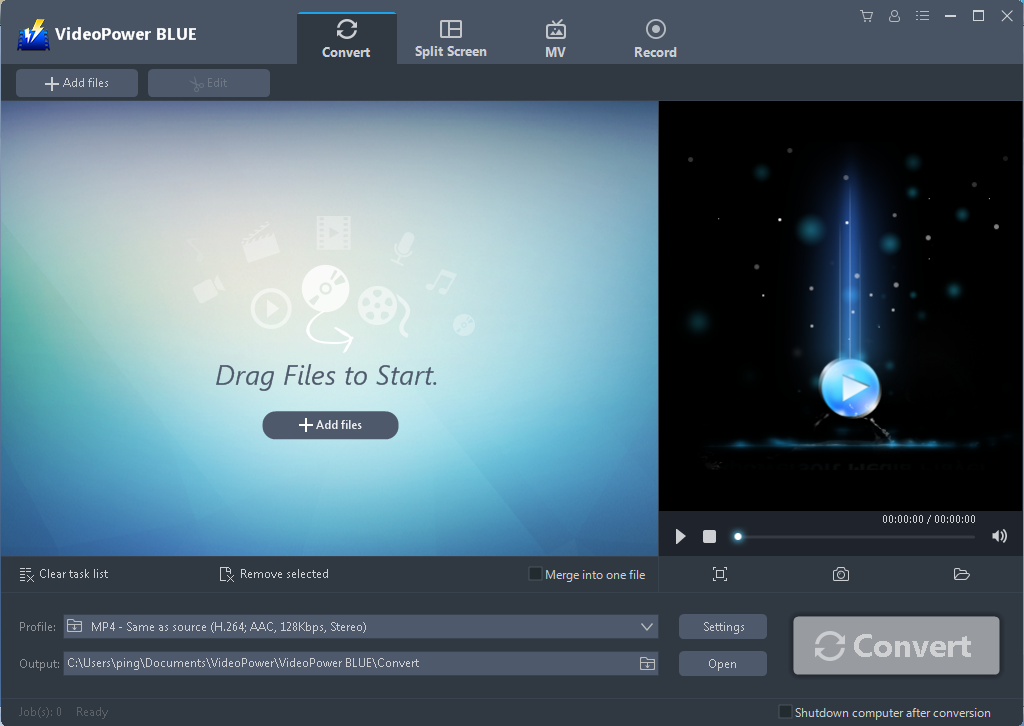
The product will run automatically after the installation is finished and this is how the interface will look like.
Step 2: Import GIF Files
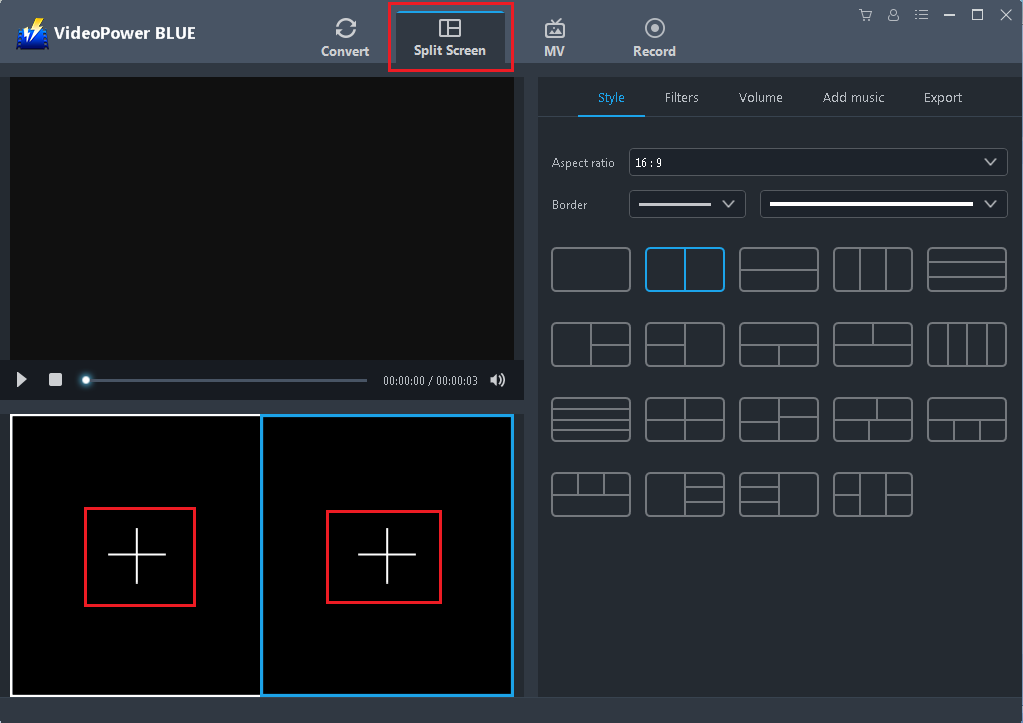
Navigate to “Split Screen” window and import GIF files that you want to combine as one. Click the “+” button to select GIF files from the PC.
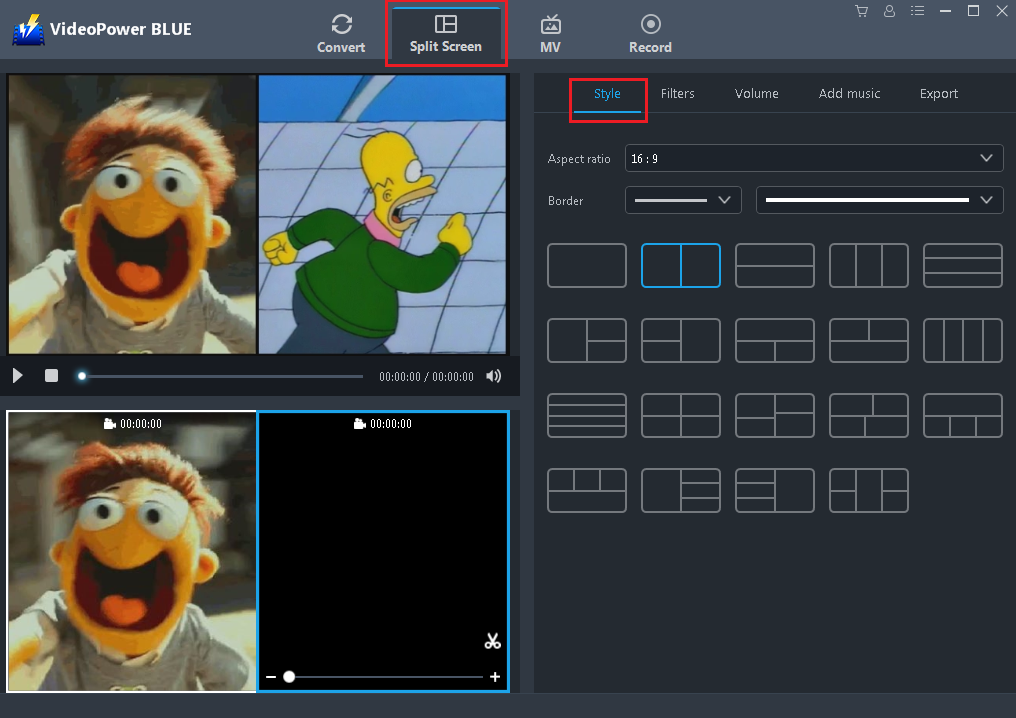
Step 3: Set the Style, Filter, Music, and Volume
Choose the desired style that is best suited for the expected file output. Also adding filter and music and setting up the desired volume is possible. Then, export the GIFs to make it as one file.
Step 4: Start Export
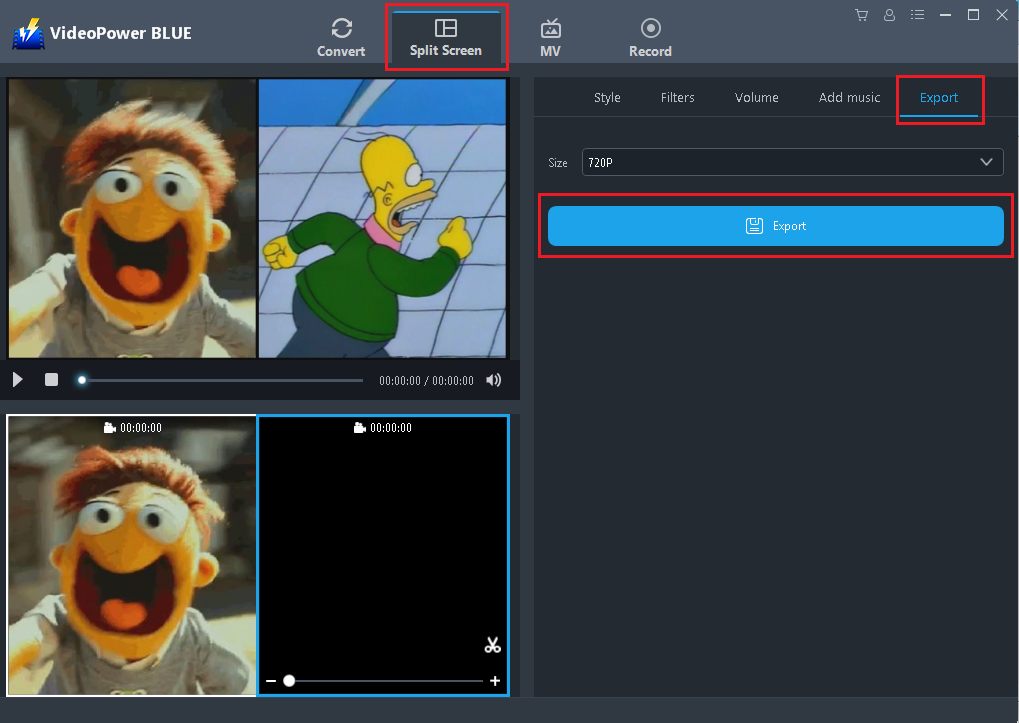
Go to the “Export” window and start converting two or more GIF files to become one single file by clicking the “Export” button.
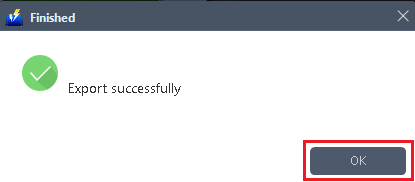
After exporting is complete, click “OK” on the pop-up window to open the output folder.
Conclusion:
Because of the development of digital applications and technologies happening nowadays around the globe, users’ thoughts have become more creative and imaginative that brought them not only to develop GIFs but also to modify it by combining two or more files to make as one file.
This thought isn’t actually impossible.
By just the use of split-screen feature of the third-party tool called VideoPower BLUE, combining two or more GIFs is clearly possible. Moreover, this application isn’t only useful in combining two or more GIFs and exporting or converting it to become one file but it can also modify, beautify and emphasize important details in GIFs by just using its various amazing features such as converting, editing, and screen recording.


