





Tips Index
For people working in the audio industry, the quality of a recording can make or break a product – whether it’s for an online course tutorial, a song, or an instructional video.
If you often need to record audio in your daily work or life, you need a good audio quality of your recordings.
To address this need you should have good recording software.
Using a usual audio recorder might not give you reliable output. In this case, you can record the songs again with this amazing audio recorder.
Using VideoPower YELLOW, a high-quality recording is guaranteed.
To install the program, you must first download the software by clicking the link below.
Steps
1. Run the program
After you run the program, you will automatically be directed to the recording interface. It should look like this:

2. Set the sound source
Before recording the track, make sure that the sound source is set to “System sound.” In this example, we’ll use a Spotify track.

3. Set the file format
Make sure that the recording is set in the format of “MP3.” – or whatever format you deem appropriate.

4. Record
Click the “Record” button to start recording.

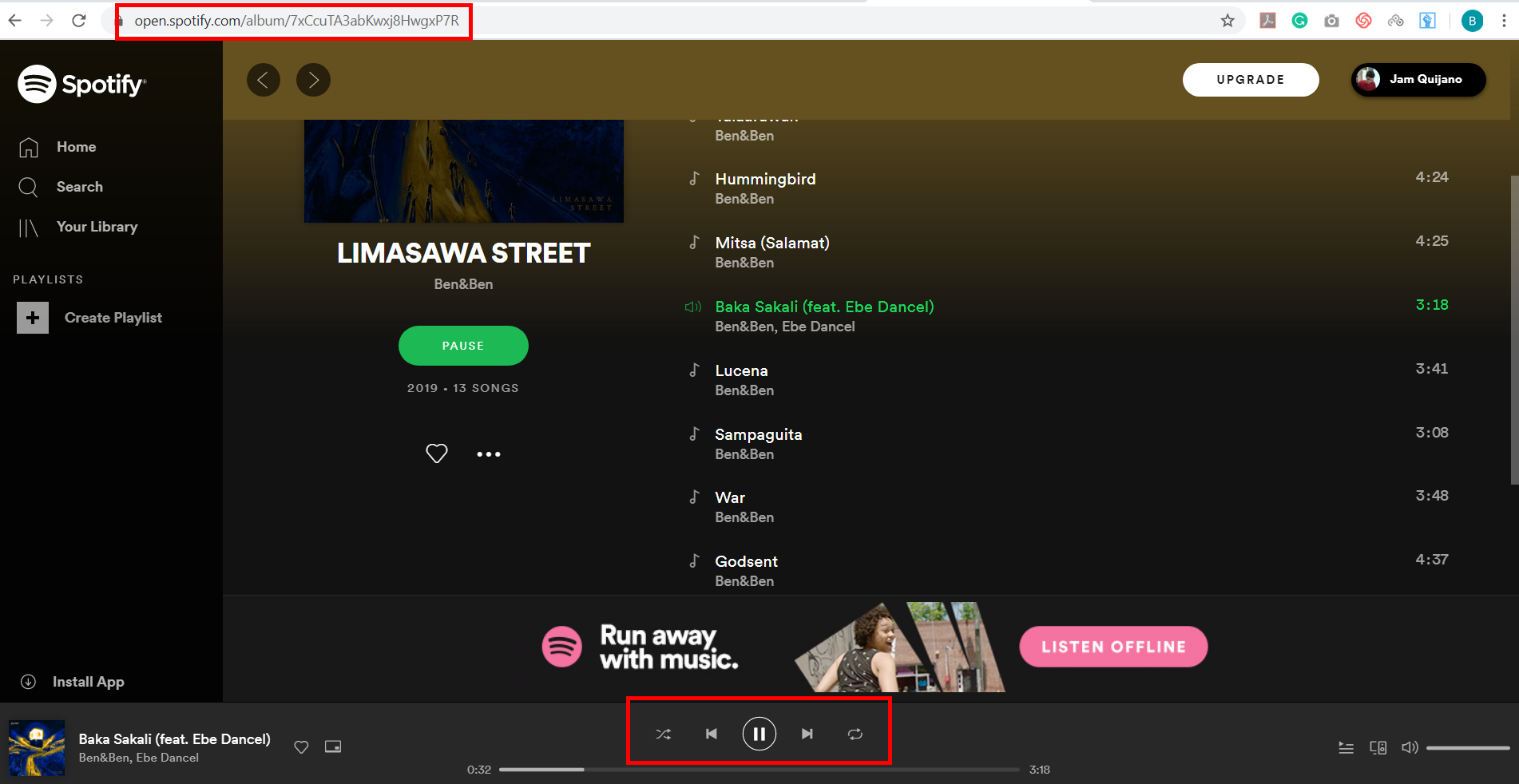
5. Play the music that you want to record
Go to the track that you want to download and play it.
6. File location
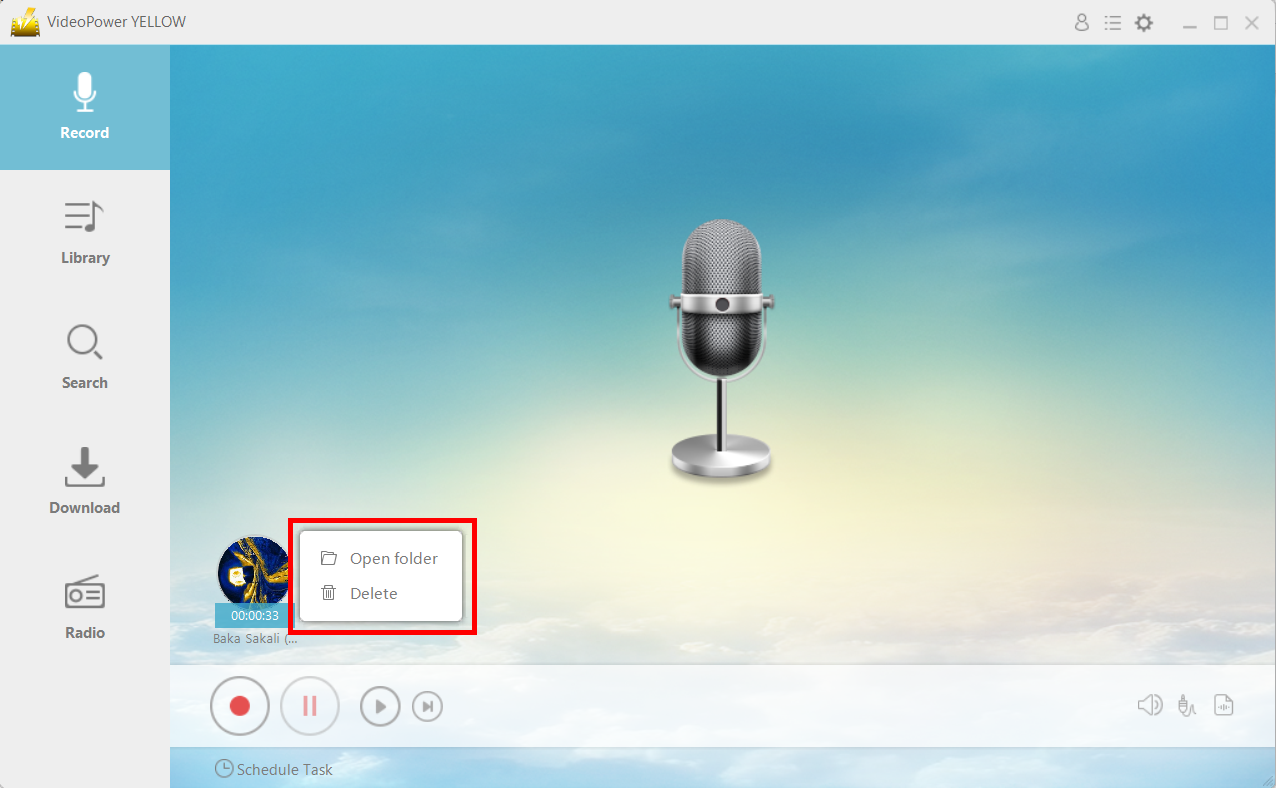
After recording, right-click the recorded track icon and click “Open folder” to open the storage location of the recorded audio file or click “Delete” if you want to delete the file and record again.
Conclusion:
To record from your device in high-quality, it’s highly recommended that you use VideoPower YELLOW. With this program, the recording does not lose its quality.
It allows you to record audio on Windows or Mac computer straightly. The app is easy to operate and lets you record any sound that you can hear in original quality. It endows you the ability to record the sound from various audio inputs – System Sound, Microphone, or both.



