





Tips Index
A user asked in the forum, “Does anyone know how to download Music from VK? I’ve been searching for days but I still don’t know how to download it. Can you recommend any app?
VK is a popular social media and social networking service site based particularly in Russia. It is not as well-known as other social media sites but with its unlimited, free and no restrictions online music, VK became more and more users’ choice.
However, this site doesn’t let users download music to enjoy offline.
Luckily, we have the solution on how to download Music from VK. We introduced to you the best music downloader software called VideoPower YELLOW. It is capable of downloading music including VK. Just click the link below to download this free app and follow through the guide on how to download music from VK.
1. Launch VideoPower YELLOW
After you run the program, it will automatically direct you into the record interface.
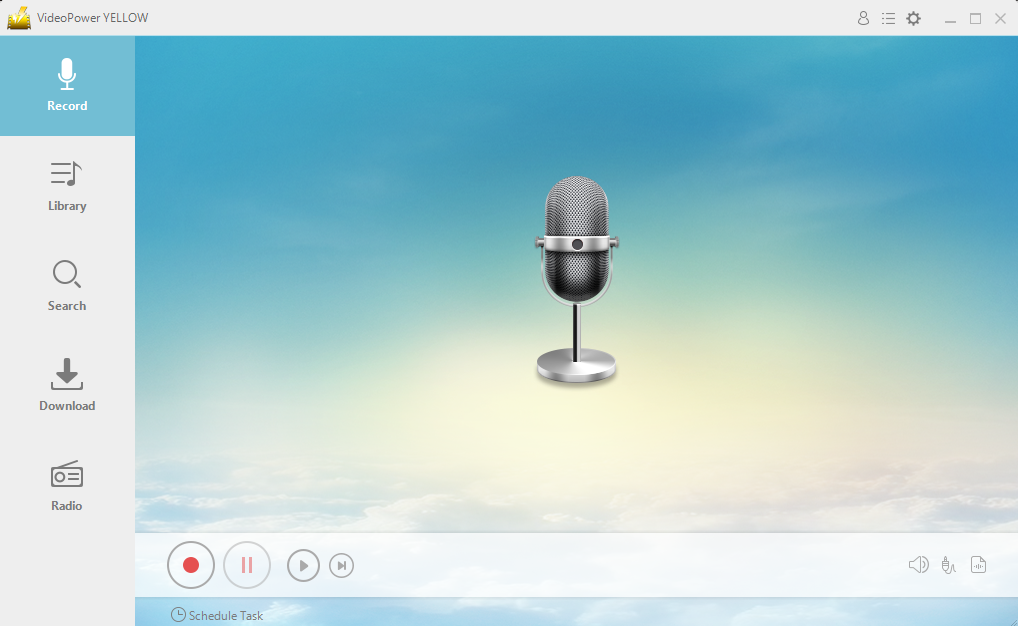
2. Before recording, you can choose your “audio source” to “System Sound, Microphone, or System Sound and Microphone”

3. Click the start recording button at the bottom left of the screen while playing the VK music.

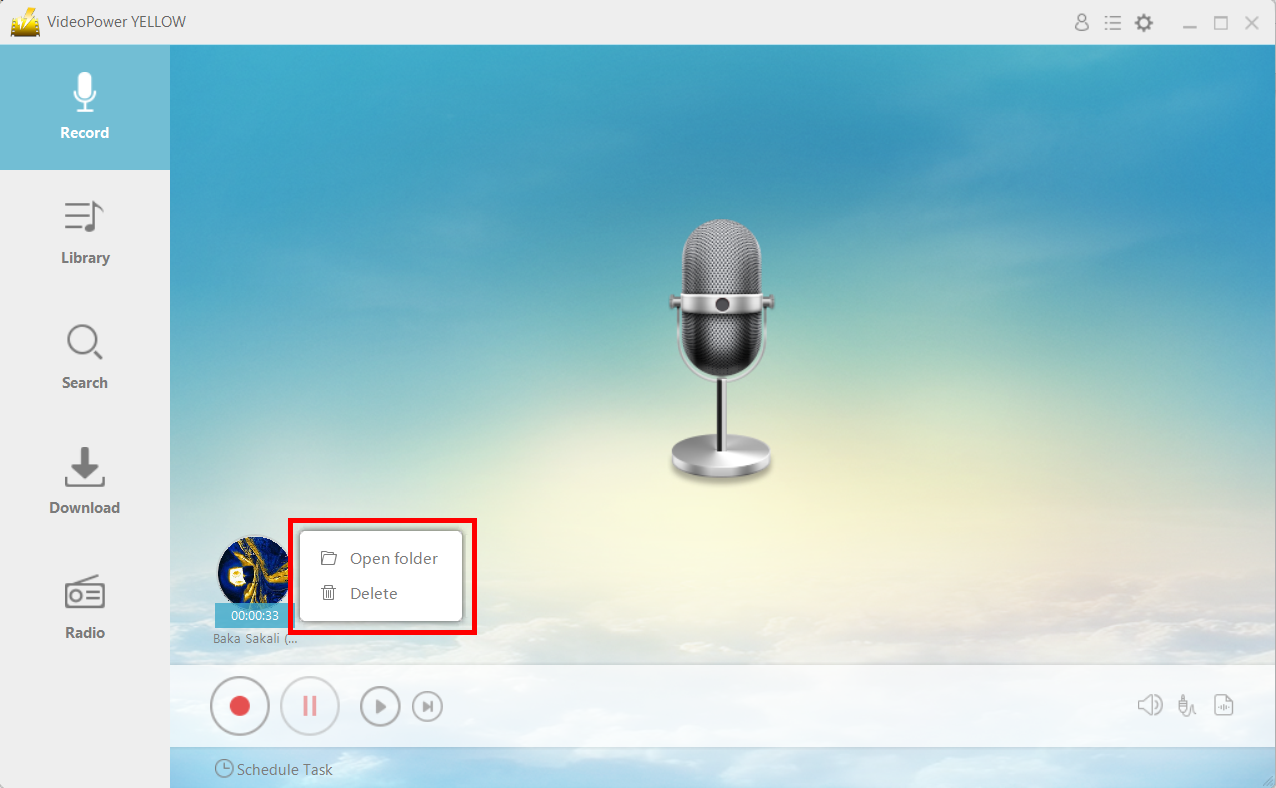
4. After recording right-clicks the recorded track icon and clicks “Open folder” to open the storage location of the recorded audio file.
Conclusion:
In this case, a third-party tool that is best suited to downloading music from VK would be highly needed. Thus, VideoPower YELLOW, an amazing, hassle-free and trusted audio recording application software with various professional features can make this thing possible.
This product is best suited for this kind of matter as it doesn’t only record audios but it also has different useful and professional features to help improve recorded files like converting videos to MP3 or other formats, ripping music, burning music to cd, downloading audios, task scheduler and many more.



