





Tips Index
iPad is a tablet computer offered by Apple in 2010. It is a revolutionary device for web browsing, email reading and sending, photo and video watching and capturing, game playing, e-book reading and of course music playing or listening. However, downloading an MP3 file to this device would be the question.
We introduced to you the best MP3 downloader software called VideoPower YELLOW. It is capable of downloading MP3. There are more advanced features provided by this software like converting video/audio files to another format and many more.
1. Launch VideoPower YELLOW
After you run the program, it will automatically direct you into the record interface.
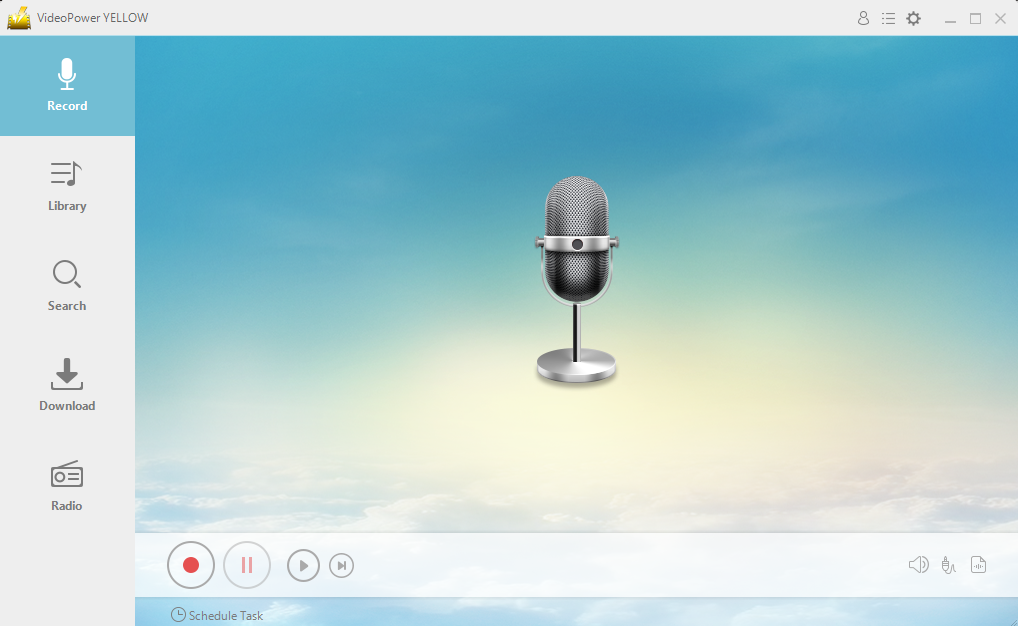
2. Before recording, you can choose your “audio source” to “System Sound, Microphone, or System Sound and Microphone”

3. Click the start recording button at the bottom left of the screen while playing your desired music.

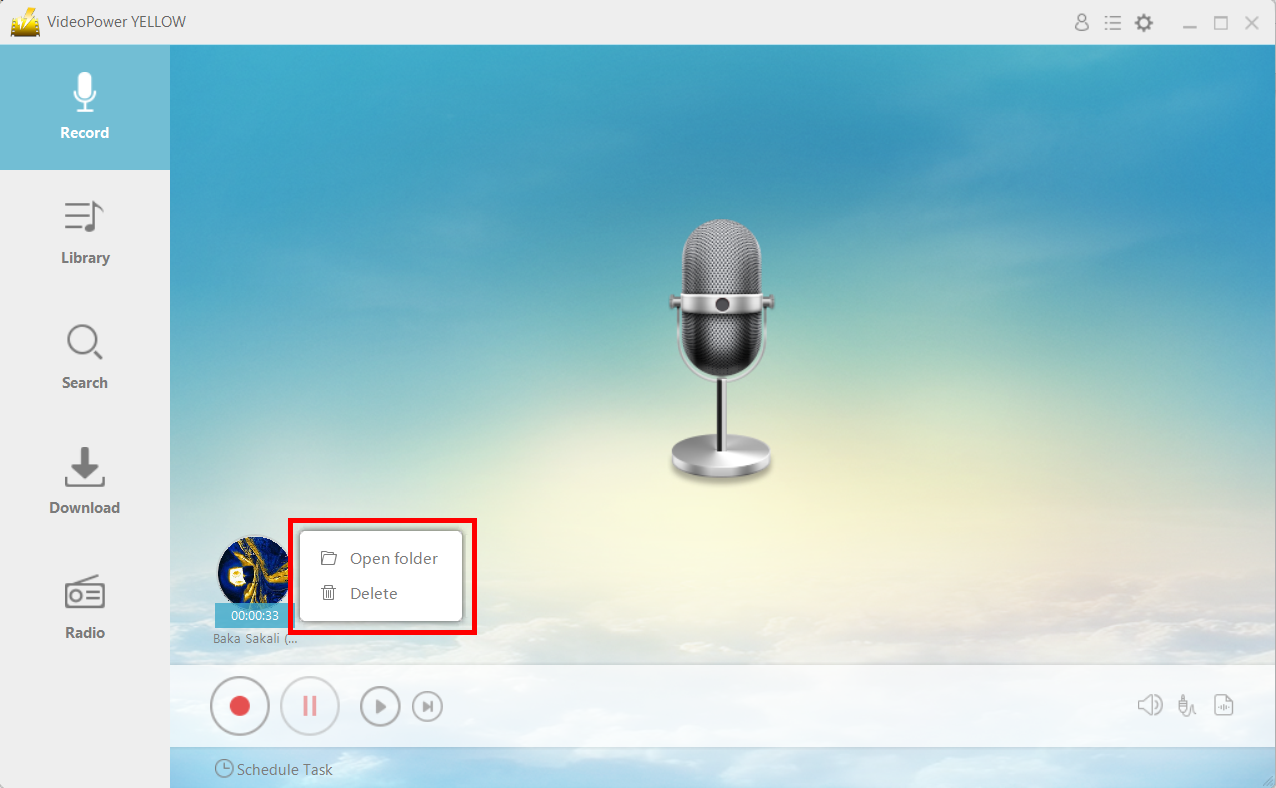
4. After recording right-clicks the recorded track icon and clicks “Open folder” to open the storage location of the recorded audio file.
Conclusion:
Downloading an MP3 file to an iPad is indeed problematic as it requires many steps to do so. However, with VideoPower YELLOW, this matter would be easy and possible. Moreover, this application software is the most secure tool that offers more than just downloading but also many other professional features that can improve users’ downloaded files like converting, ripping and burning music.


